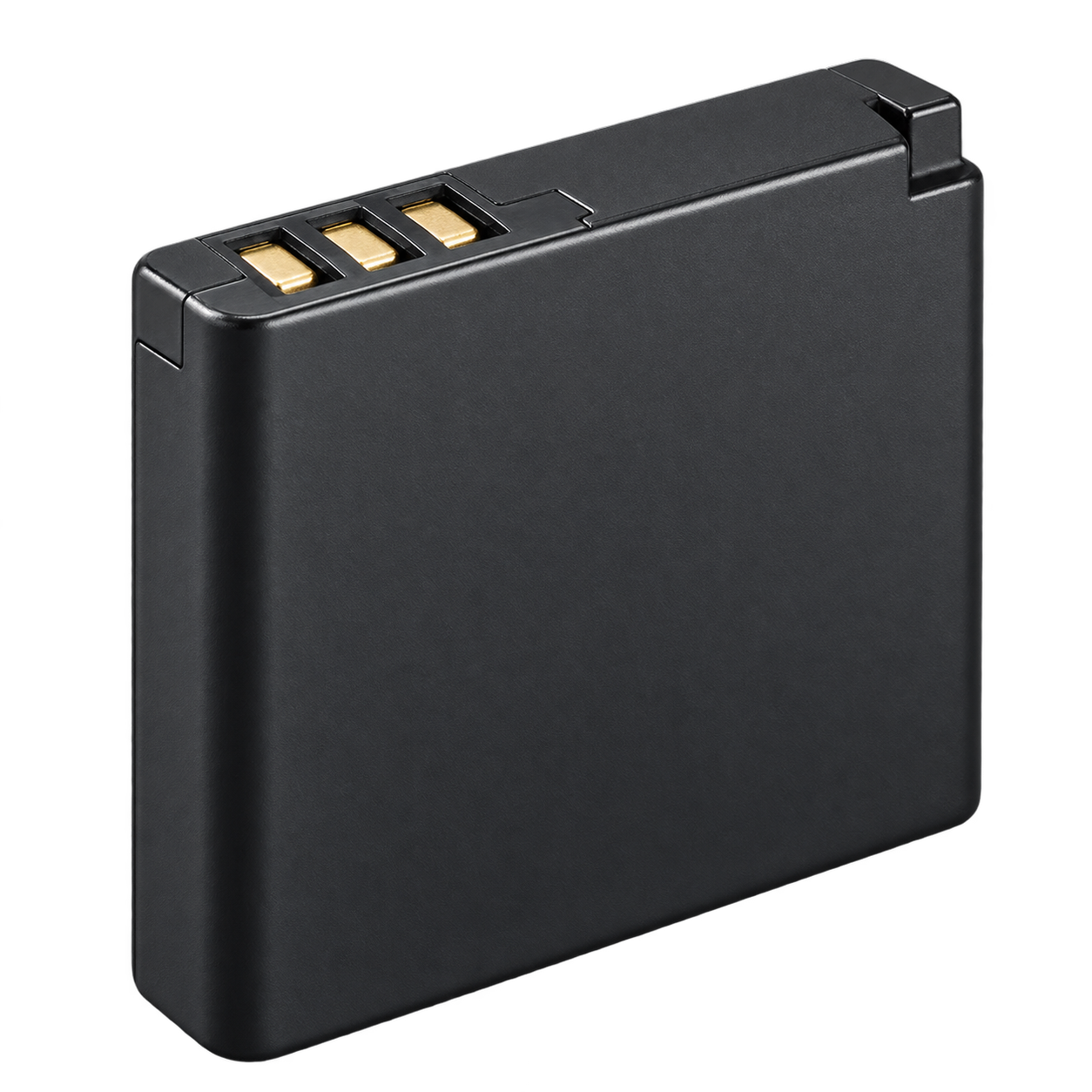
01 / Battery
EN-EL19
Rechargeable camera battery
Use a Nikon EN-EL19 battery or an explicitly compatible replacement.
Report a correction ↗Find this part


Retro Digitals is our store. About these links
YOUR CAMERA’S KIT
The battery, charger, cable, memory card and reader for this exact model.
Also searchable as: A100 · COOLPIX A100
Open in the camera finder ↗Manufacturer references checked 2026-10-07.
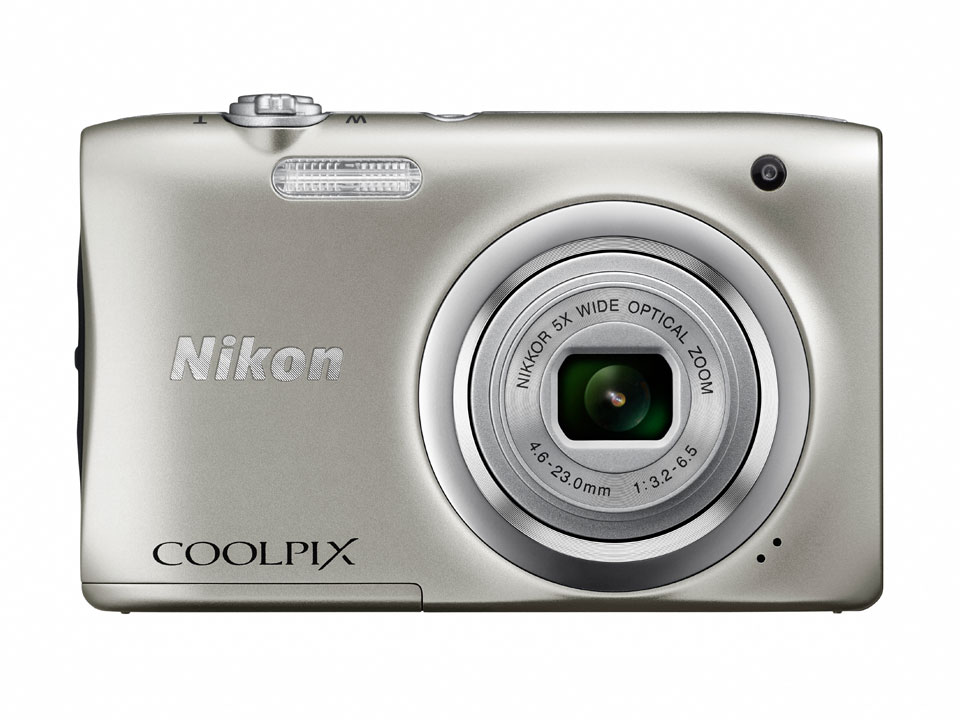
THE FIVE ESSENTIALS
Match the part code.
01 / Battery
Rechargeable camera battery
Use a Nikon EN-EL19 battery or an explicitly compatible replacement.
Report a correction ↗Find this part
Retro Digitals is our store. About these links
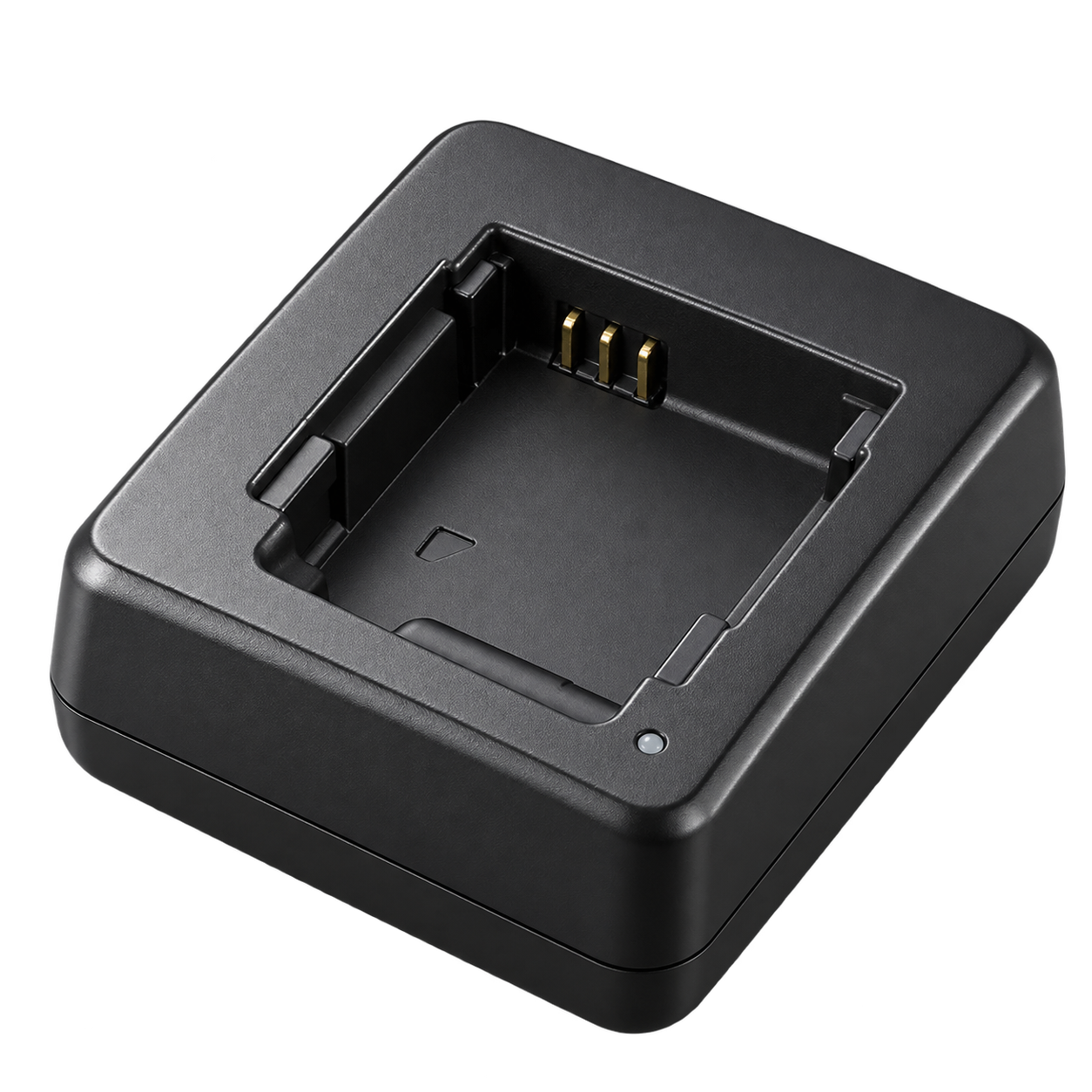
02 / Charging adapter
In-camera USB charging adapter
Use Nikon EH-72P with the supplied UC-E16 cable and leave the battery inside the camera.
Report a correction ↗Find this part
Retro Digitals is our store. About these links
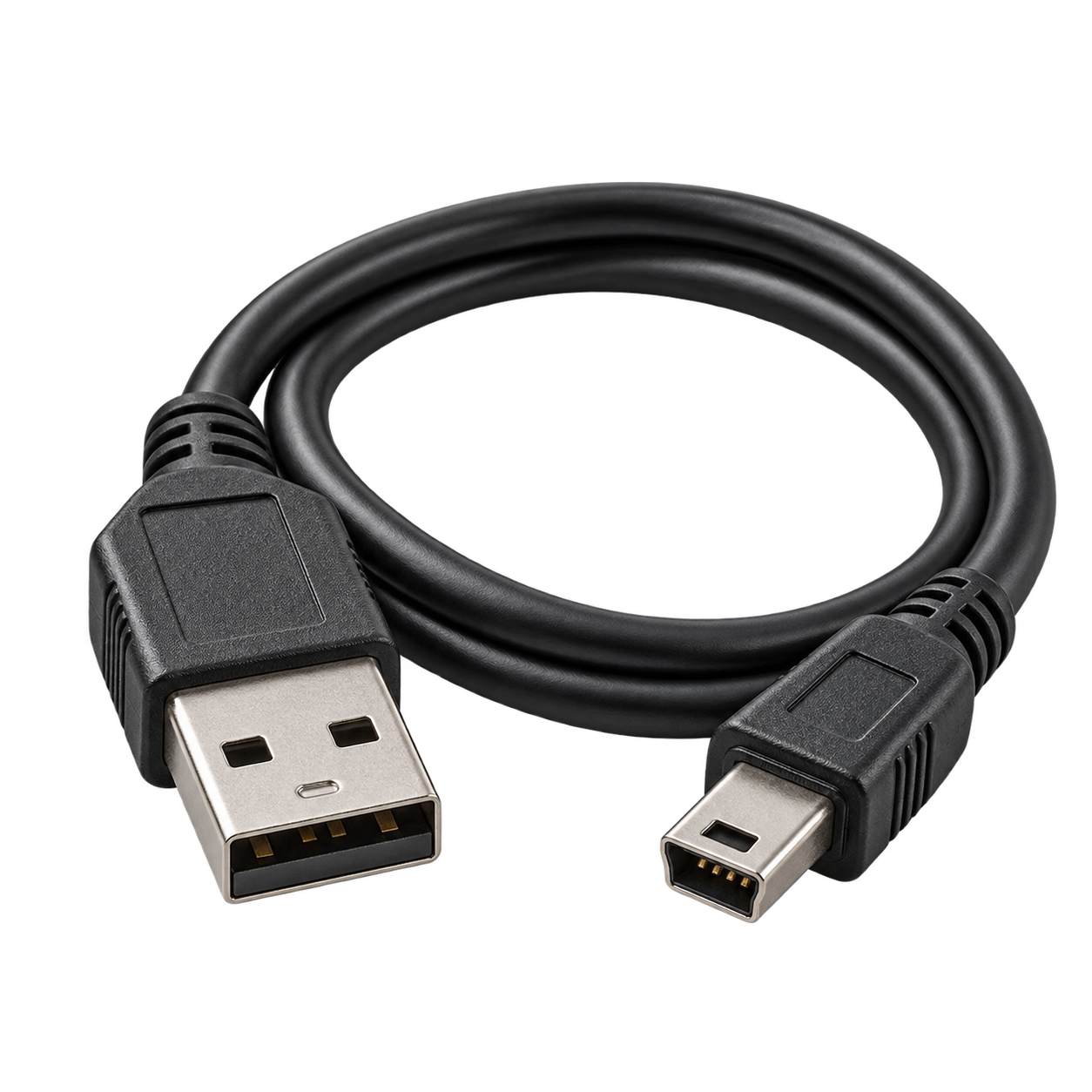
03 / USB cable
Nikon dedicated USB cable
Supports photo transfer and USB charging with the correct charging adapter.
Use Nikon UC-E16 or a replacement that explicitly lists Nikon COOLPIX A100. For in-camera charging and photo transfer.
Report a correction ↗Find this part
Retro Digitals is our store. About these links
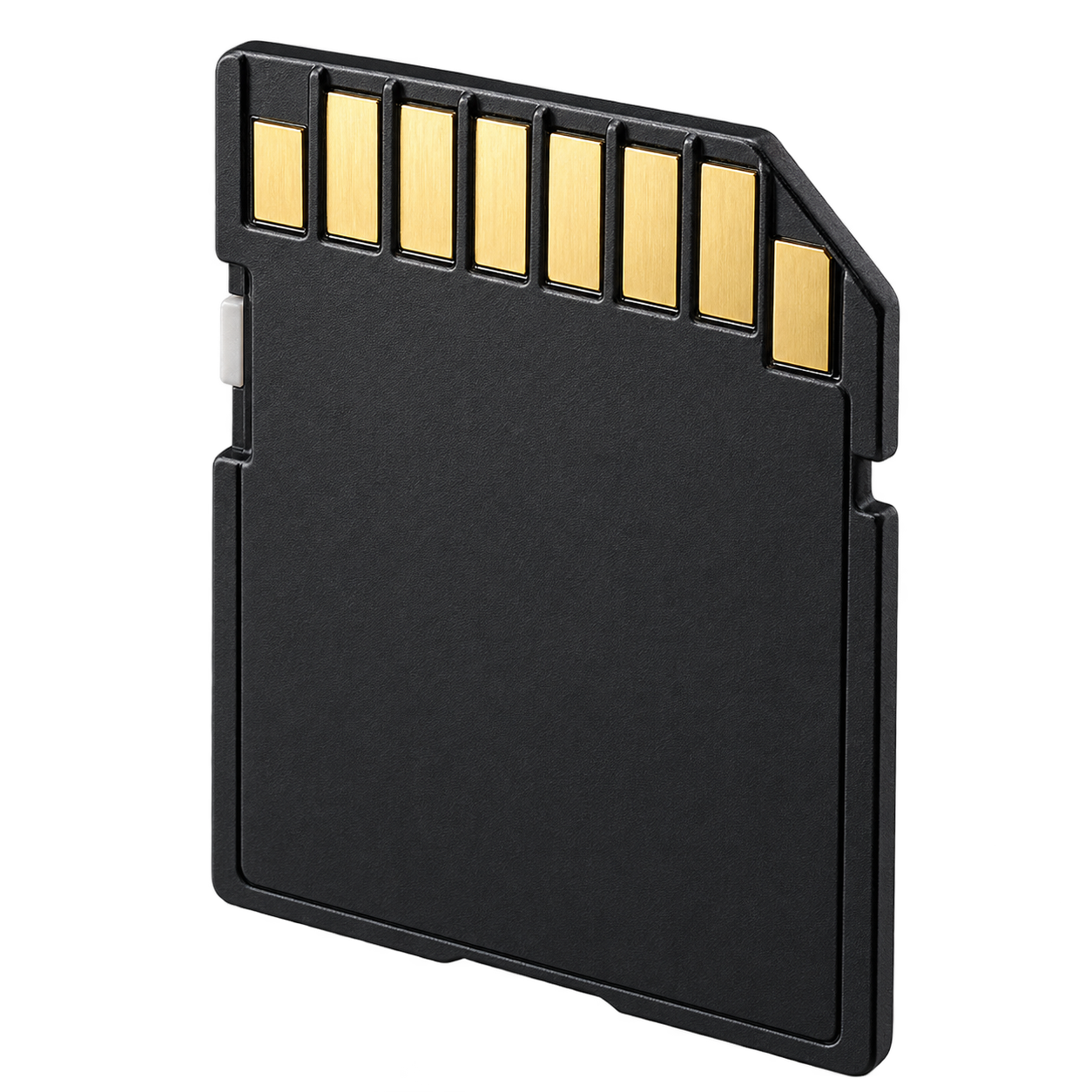
04 / Memory card
Simple choice: 32GB SDHC
Use a full-size SD card. Use only the card standards listed here. Format the card in the camera after backing up any photos.
Report a correction ↗Find this part
Retro Digitals is our store. About these links
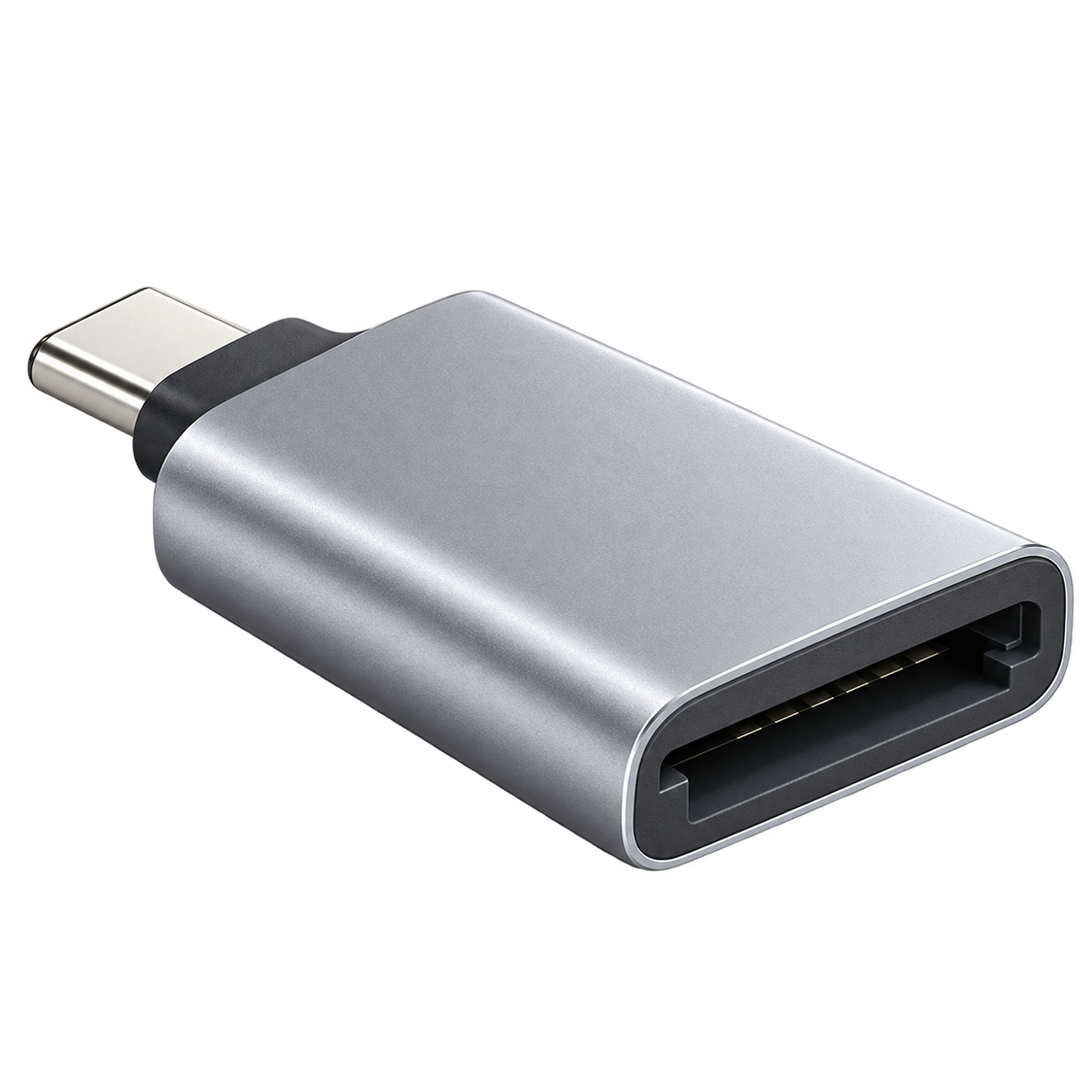
05 / Photo-transfer reader
Choose USB-C, Lightning, or USB-A
The reader must have a full-size SD slot and support SD / SDHC / SDXC. Match the reader’s connection to your phone or computer.
Report a correction ↗Find this part
Retro Digitals is our store. About these links
Accessory illustrations show categories, not the exact appearance of every part. Retailer links are searches; check the seller’s compatibility list before buying.
Keep the EN-EL19 battery installed and use the UC-E16 cable with the EH-72P adapter. Turn the camera off while charging.
Turn the camera off, remove its memory card and use the matching reader above. Choose the reader connector for your device: USB-C, Lightning or USB-A. Use Photos or Files to import. Copy your photos before deleting or formatting the card.
Power supply; supplied battery, charger/adapter and USB cable; storage media and compatible memory cards