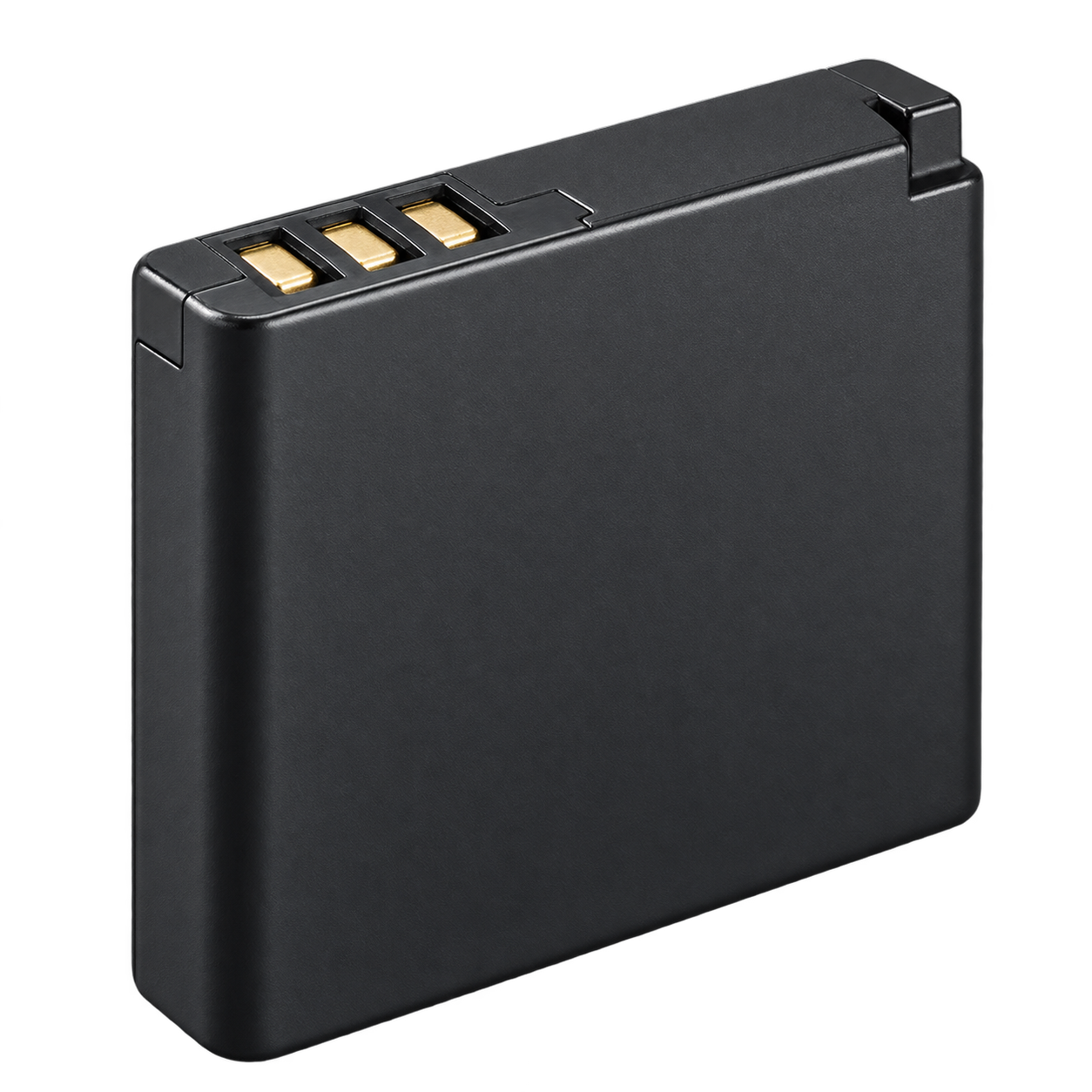
01 / Battery
EN-EL11
Camera battery
Use the battery specified for this exact model. EN-EL11
Report a correction ↗Find this part



Retro Digitals is our store. About these links
YOUR CAMERA’S KIT
The battery, charger, cable, memory card and reader for this exact model.
Also searchable as: S550 · COOLPIX S550
Open in the camera finder ↗Manufacturer references checked 2026-10-08.
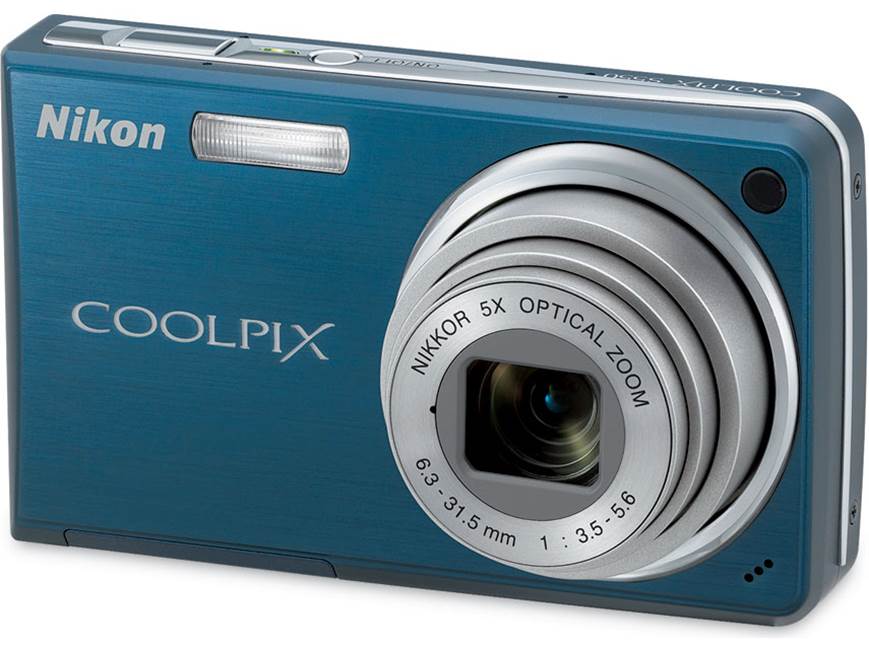
THE FIVE ESSENTIALS
Match the part code.
01 / Battery
Camera battery
Use the battery specified for this exact model. EN-EL11
Report a correction ↗Find this part
Retro Digitals is our store. About these links
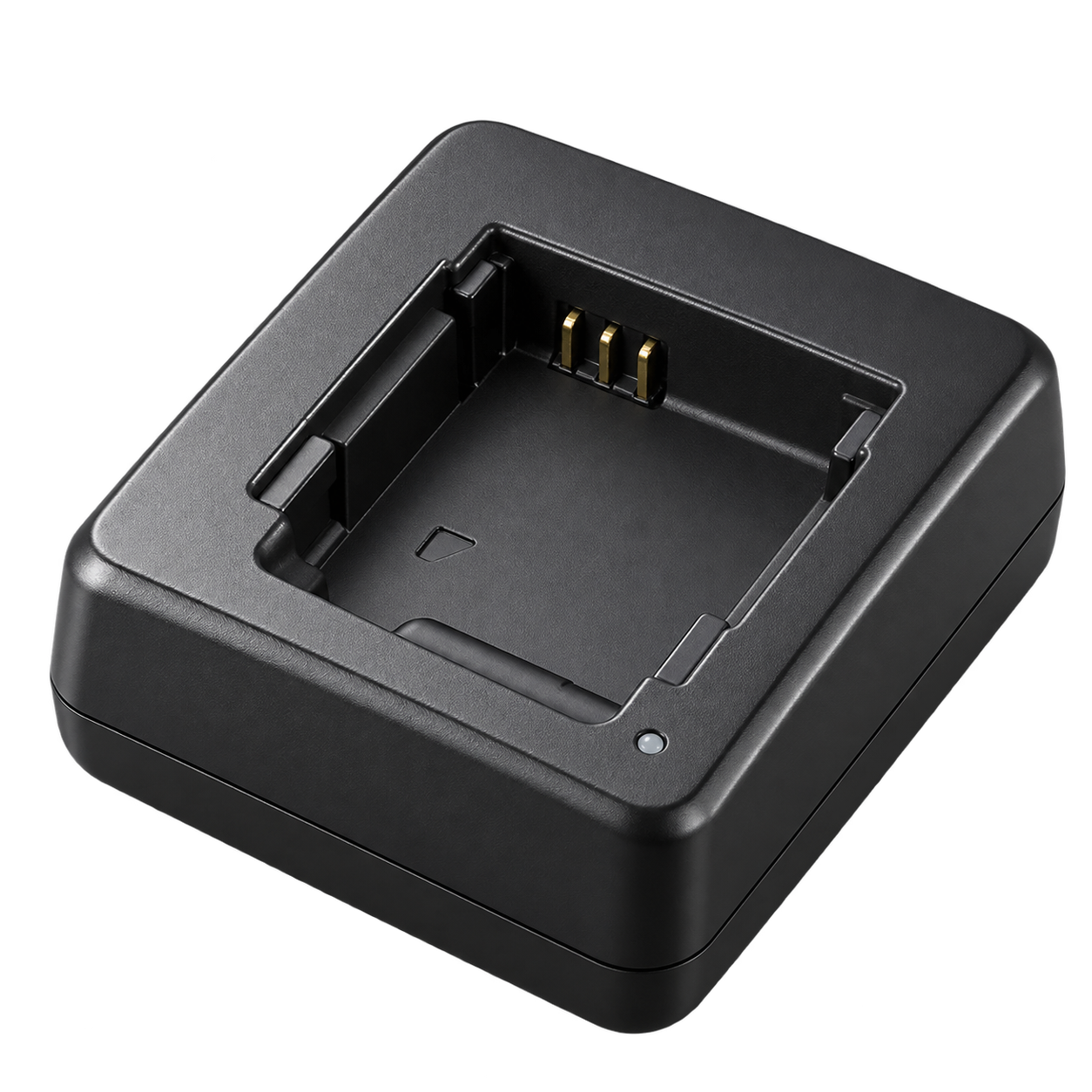
02 / Battery charger
External battery charger
Manufacturer specifies: MH-64. Charge battery outside camera. UC-E12 is a combined AV/USB cable and differs from S560’s UC-E6. Original approved SDHC table lists 4 GB.
Report a correction ↗Find this part
Retro Digitals is our store. About these links
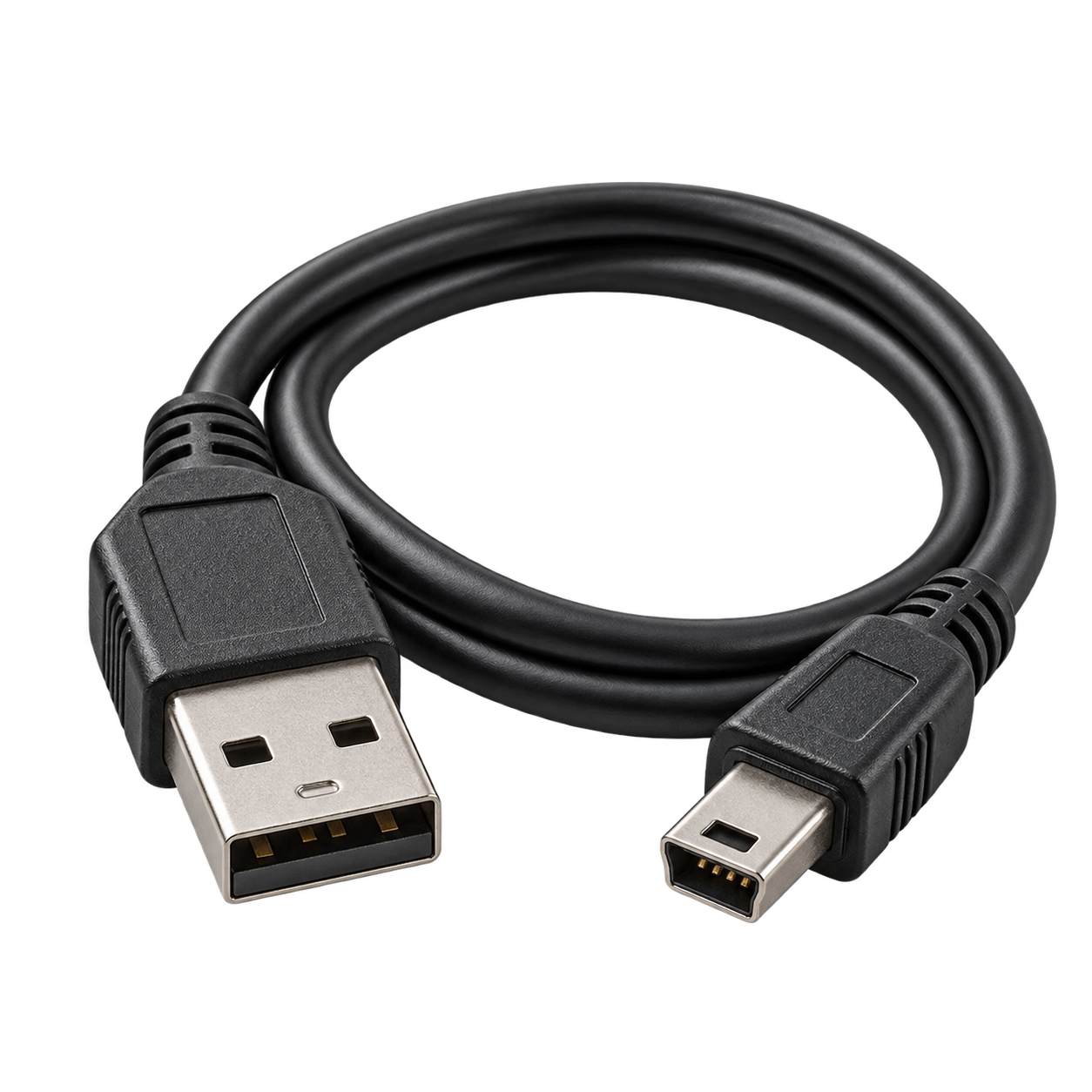
03 / USB cable
For photo transfer
Photo transfer only — does not charge the camera
Use the original model-specific cable for photo transfer. UC-E12 Audio Video/USB Cable. USB photo transfer does not charge the battery.
Report a correction ↗Find this part
Retro Digitals is our store. About these links
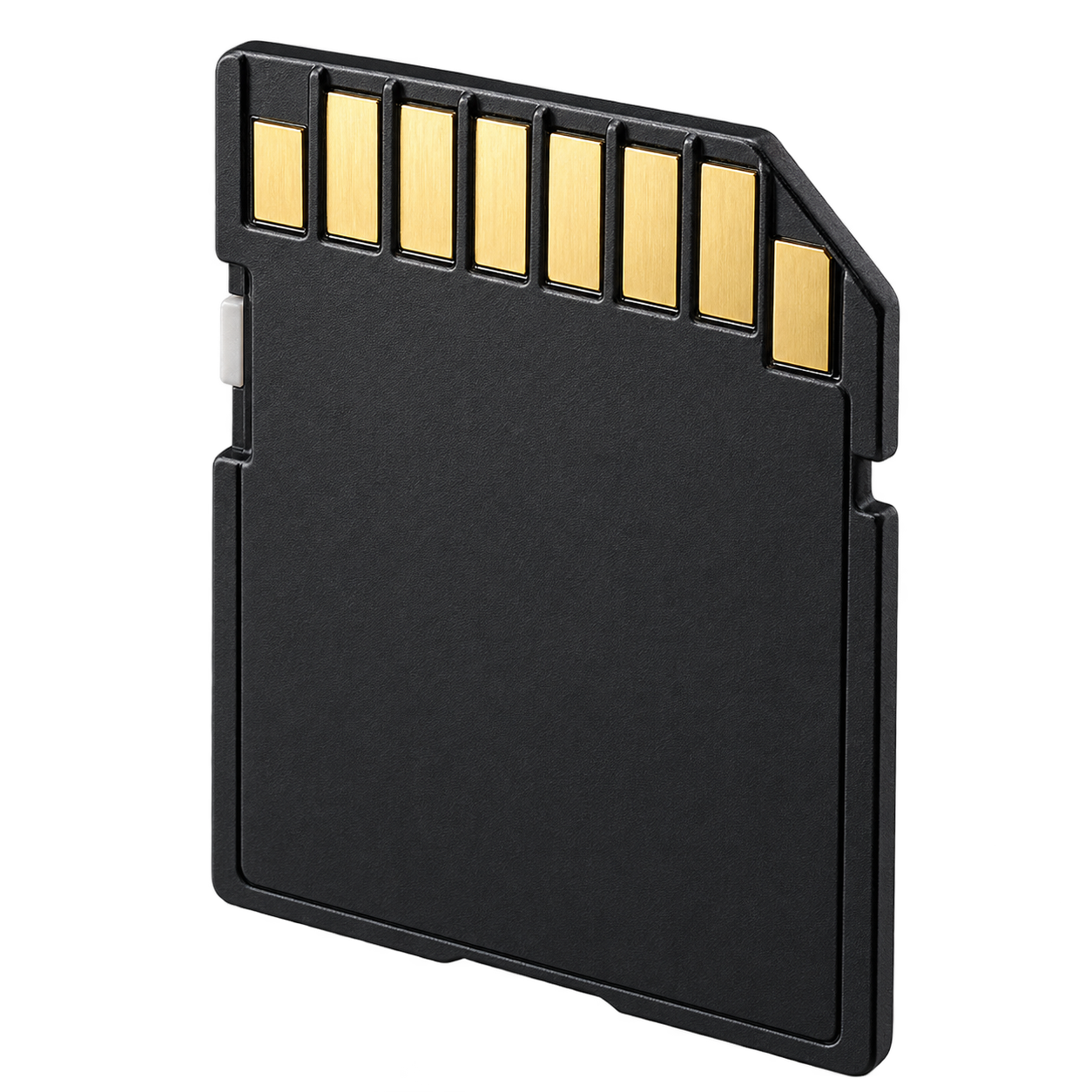
04 / Memory card
Simple choice: 2 GB full-size SD
Format in the camera after backing up photos. SDXC is not listed for this model.
Report a correction ↗Find this part
Retro Digitals is our store. About these links
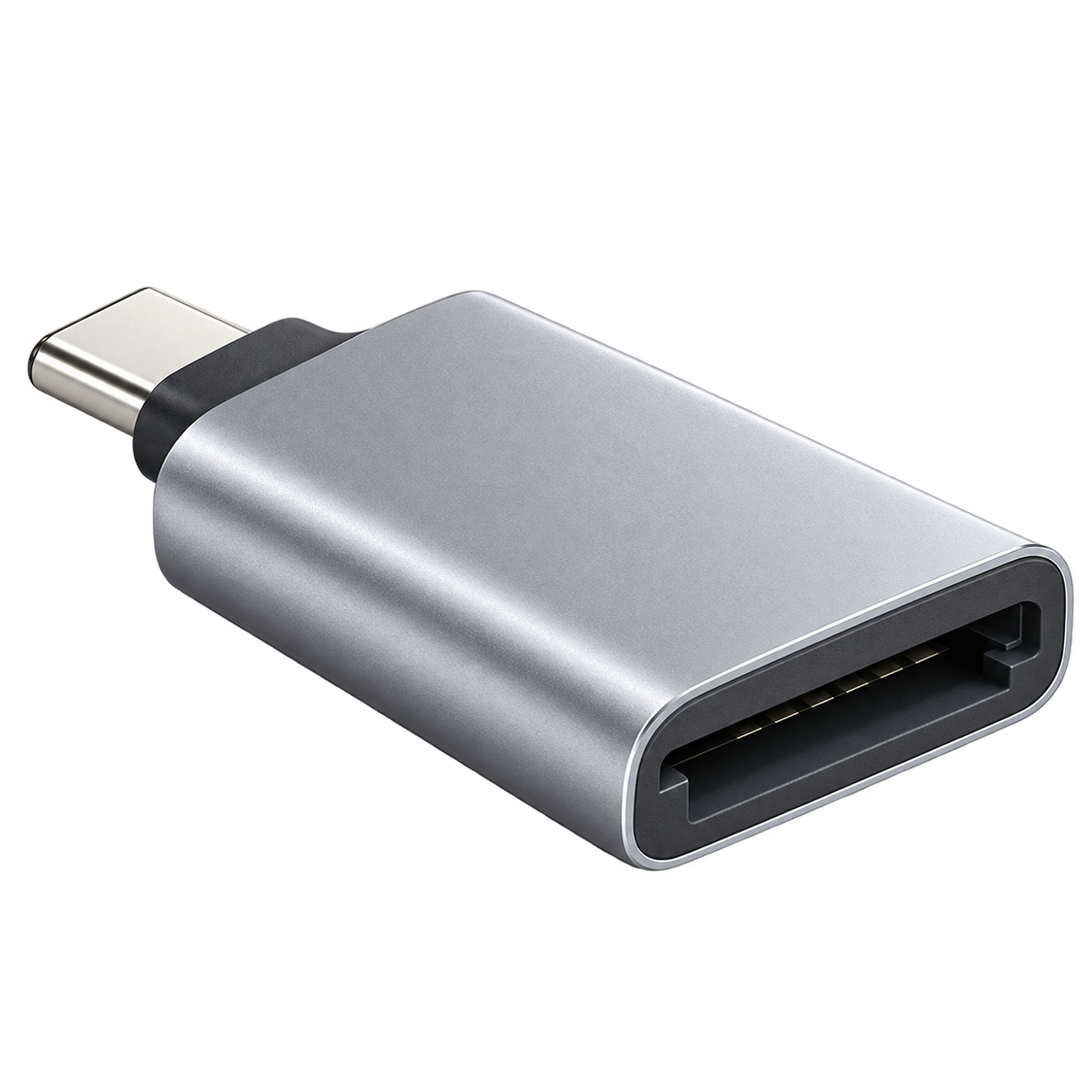
05 / Photo-transfer reader
Choose USB-C, Lightning, or USB-A
For the suggested 2 GB full-size SD. USB SD reader supporting 2 GB SD. Match the connector to your phone or computer.
Report a correction ↗Find this part
Retro Digitals is our store. About these links
Accessory illustrations show categories, not the exact appearance of every part. Retailer links are searches; check the seller’s compatibility list before buying.
Charge battery outside camera. UC-E12 is a combined AV/USB cable and differs from S560’s UC-E6. Original approved SDHC table lists 4 GB.
Turn the camera off, remove its memory card and use the matching reader above. Choose the reader connector for your device: USB-C, Lightning or USB-A. Use Photos or Files to import. Copy your photos before deleting or formatting the card.
printed pp.12–13 (charging), p.123 / PDF p.135 (accessories/cards)