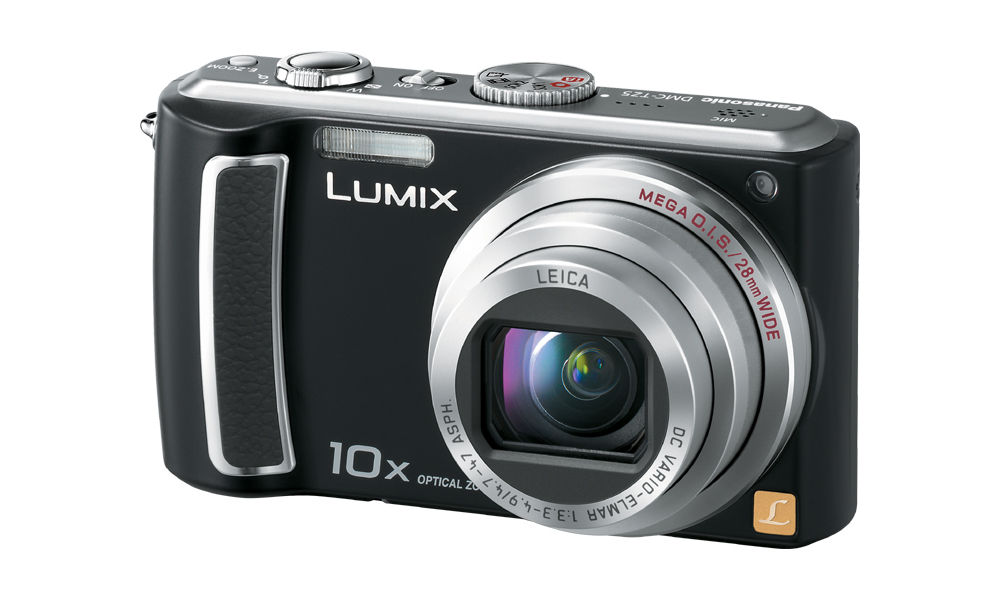
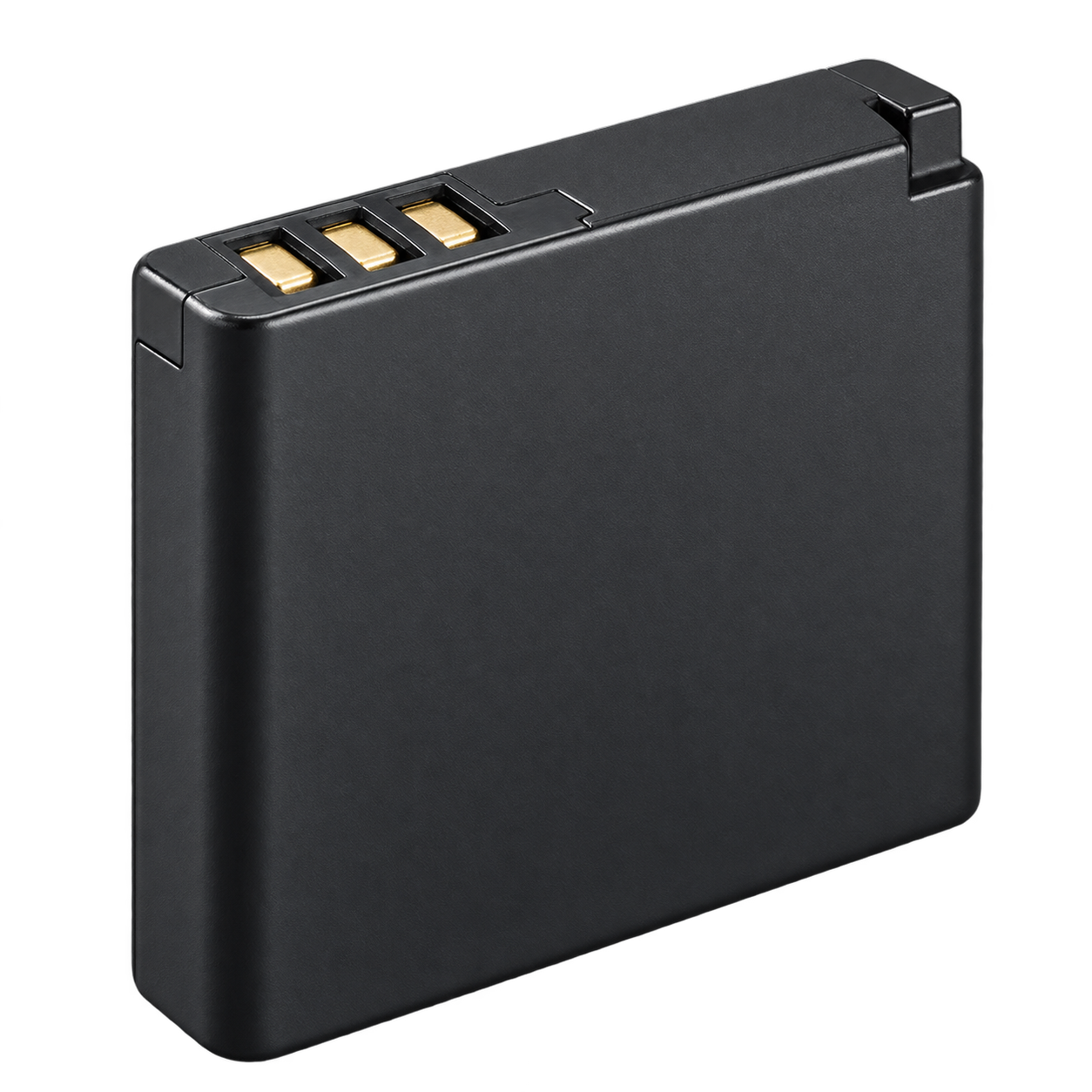
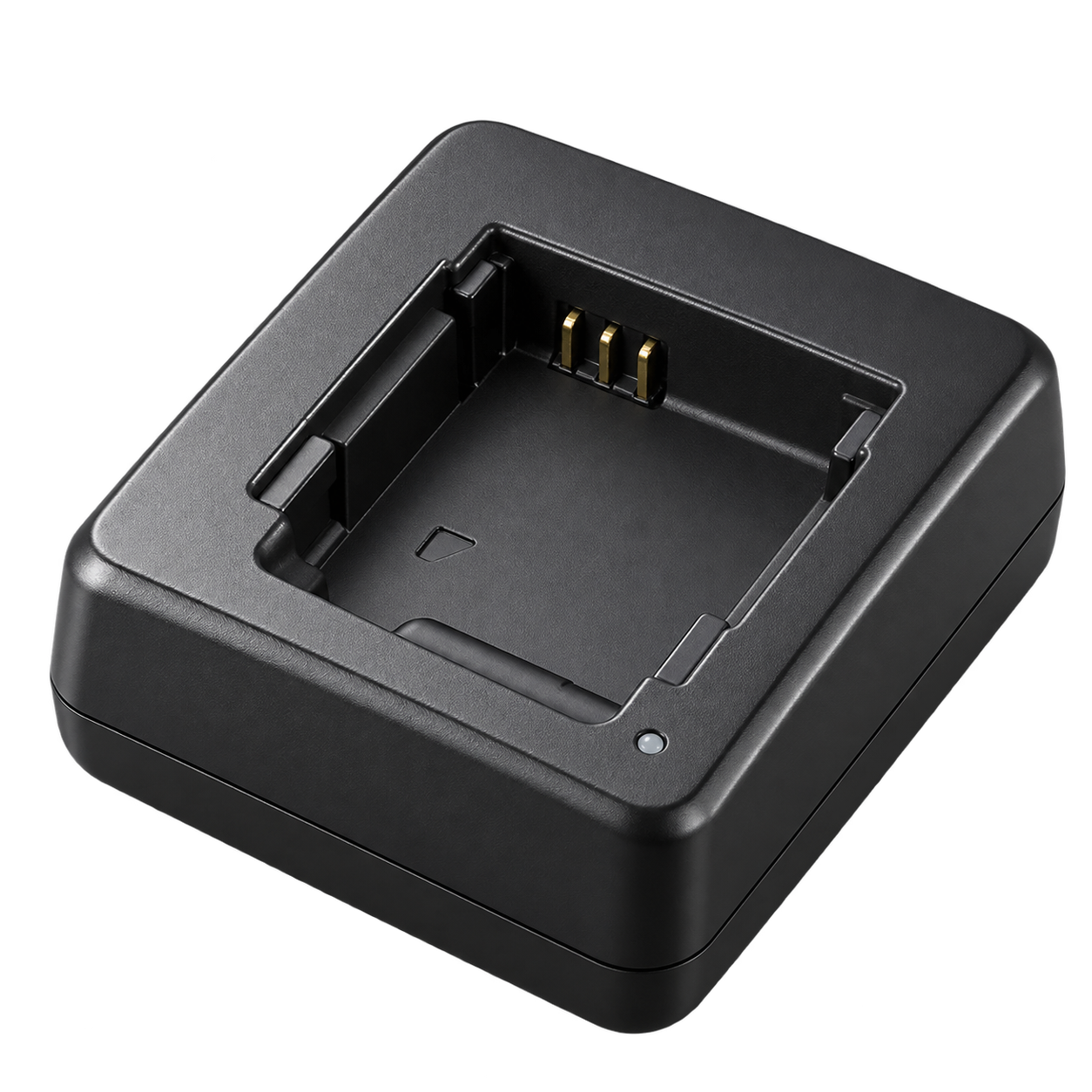
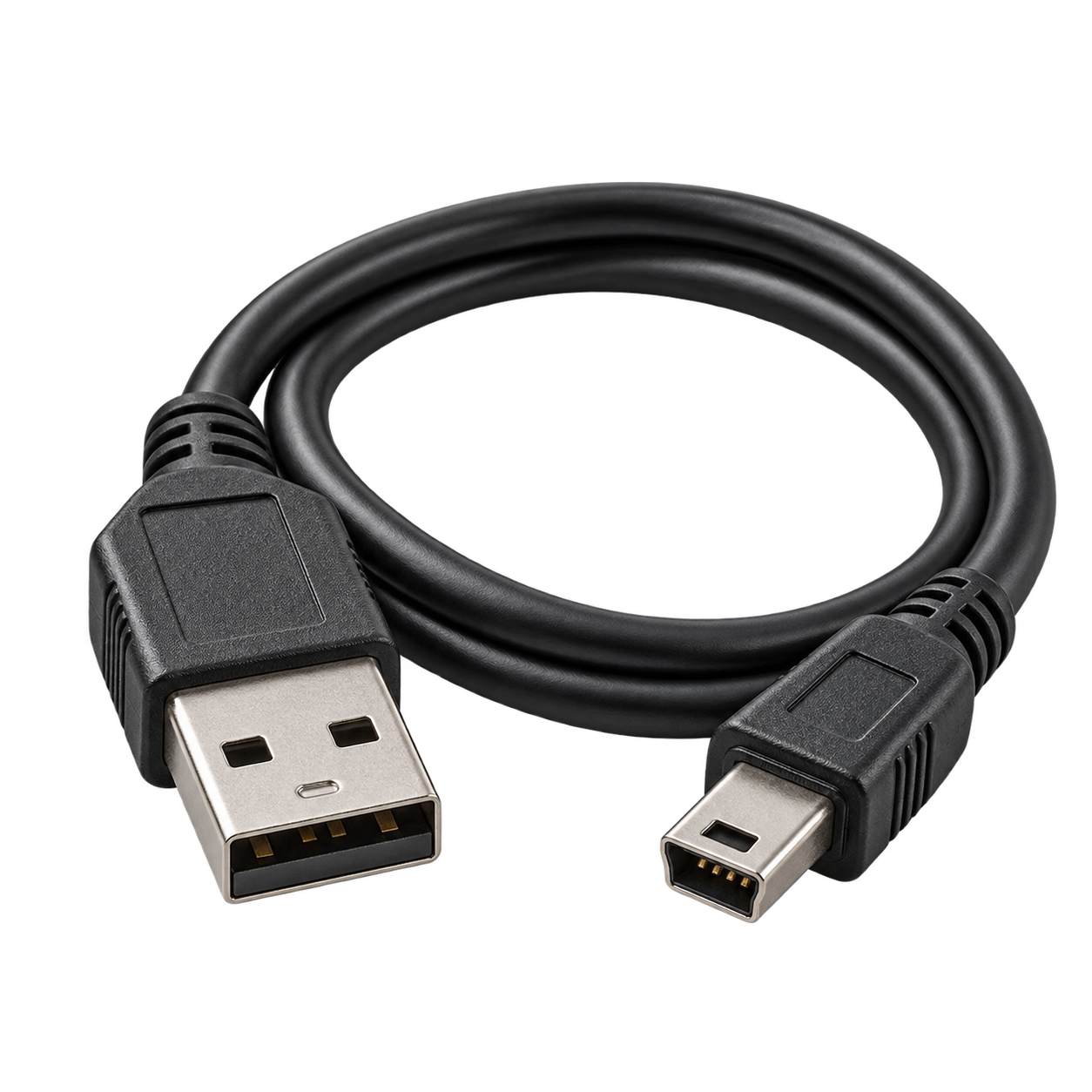
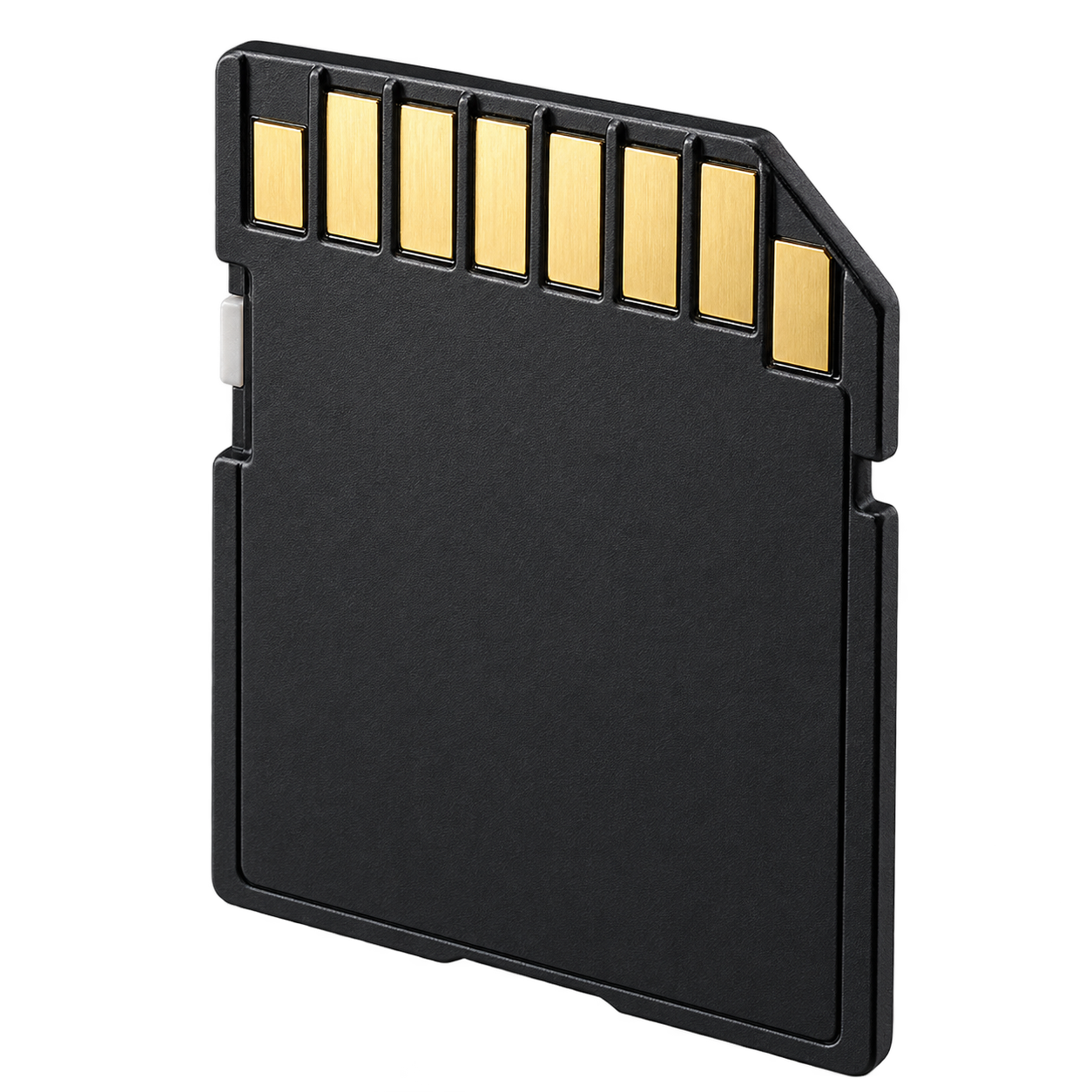
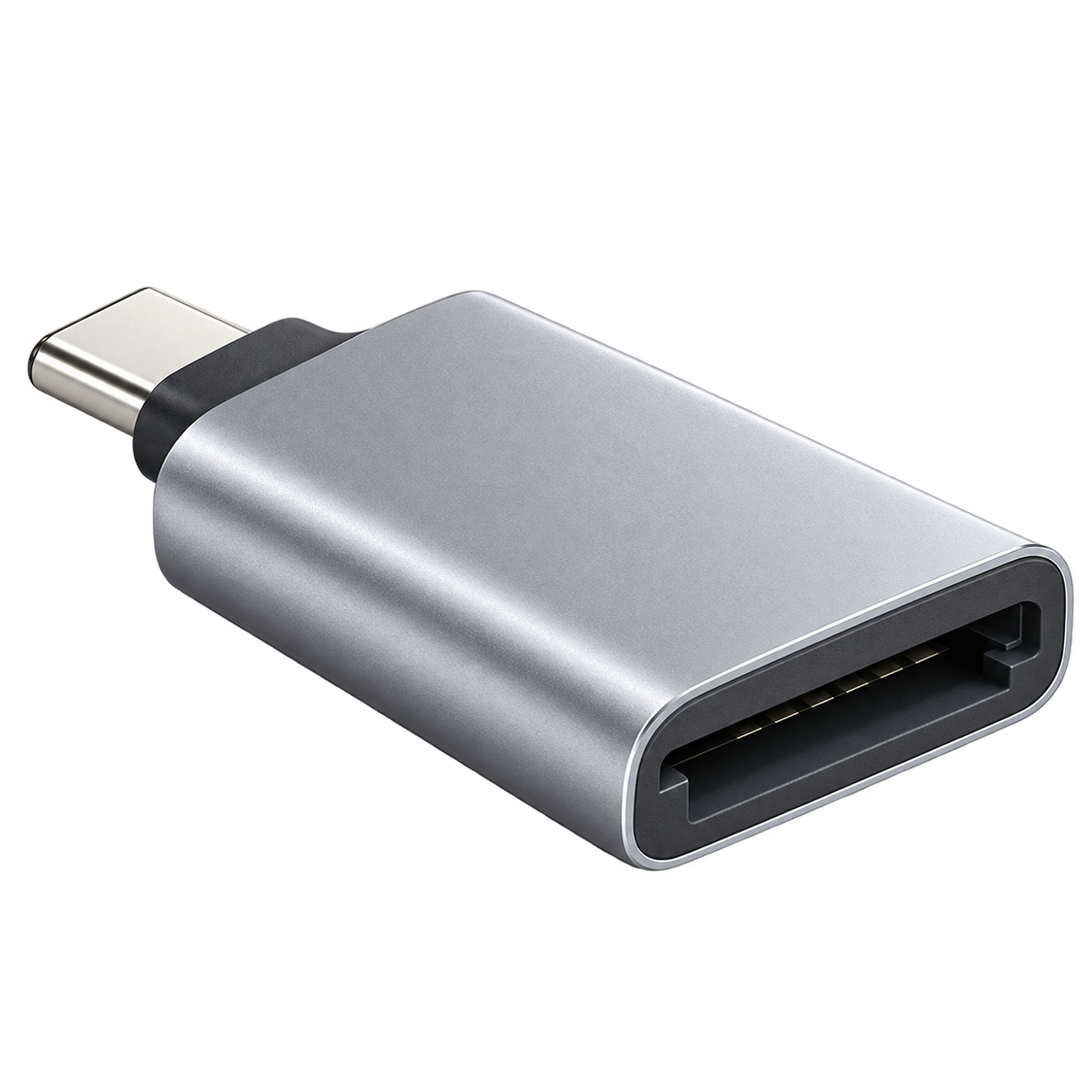
Accessory illustrations show categories, not the exact appearance of every part. Retailer links are searches; check the seller’s compatibility list before buying.
Charge the battery outside the camera.
Use DE-A45B to charge the battery. The USB connection is for photo transfer.
Get the photos onto your phone.
Turn the camera off, remove its memory card and use the matching reader above. Choose the reader connector for your device: USB-C, Lightning or USB-A. Use Photos or Files to import. Copy your photos before deleting or formatting the card.