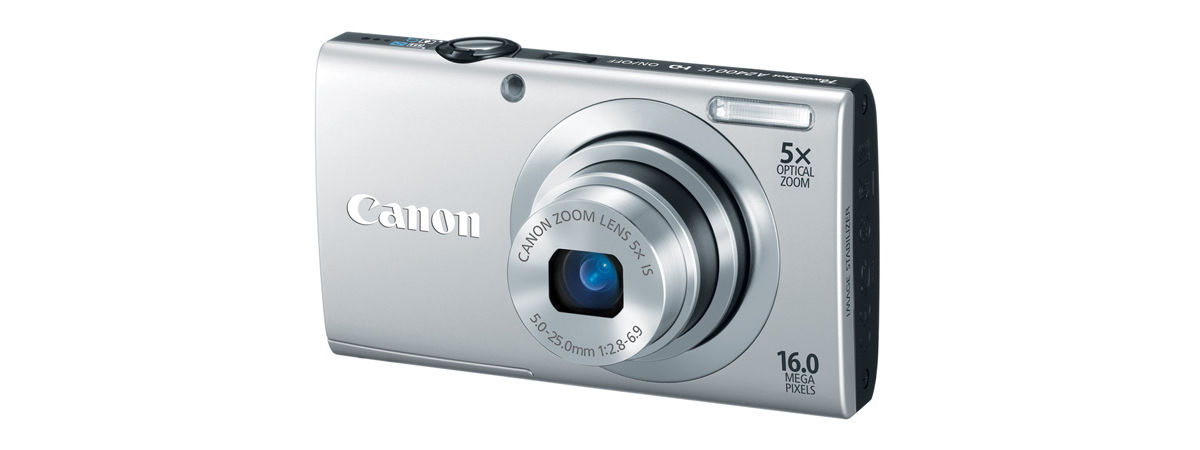
As an Amazon Associate I earn from qualifying purchases. We may also earn commissions from qualifying purchases through our eBay links. Retro Digitals is our store. About these links
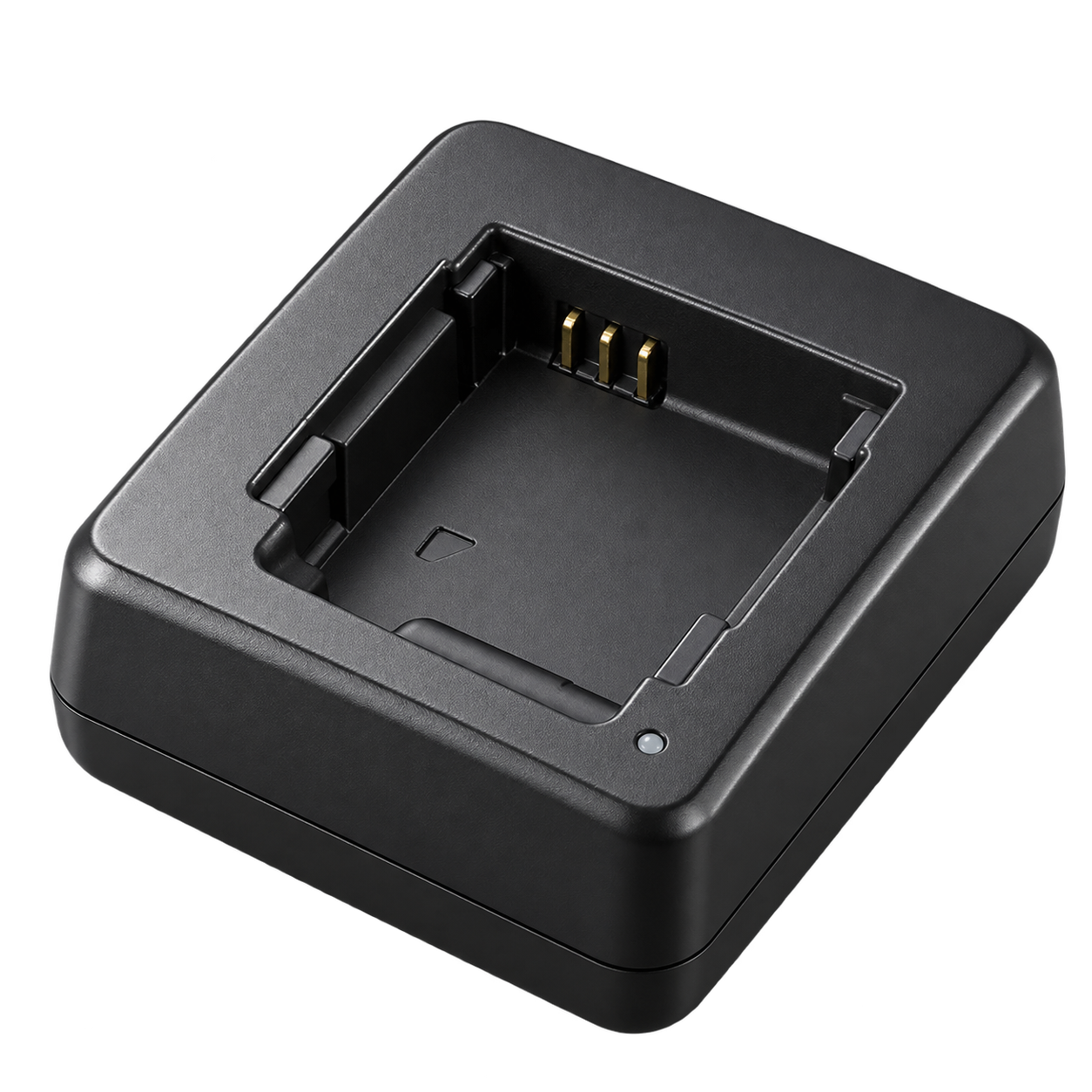
02 / Battery charger
CB-2LD
Also listed: CB-2LDE
Remove the NB-11L battery from the camera and use this external charger.
As an Amazon Associate I earn from qualifying purchases. We may also earn commissions from qualifying purchases through our eBay links. Retro Digitals is our store. About these links
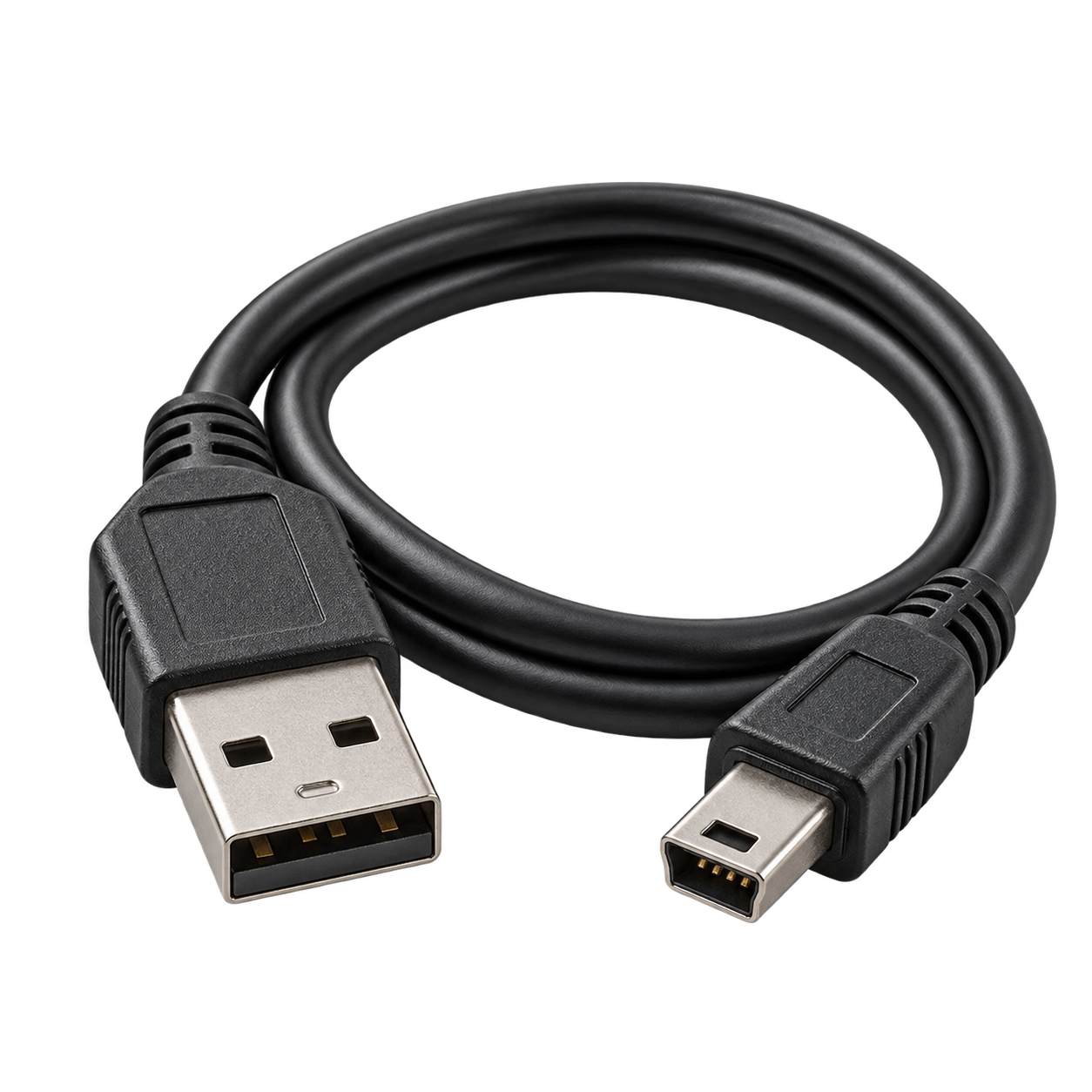
03 / USB cable
Mini-USB
Canon IFC-400PCU
Photo transfer only — does not charge the camera
For photo transfer. Use the external battery charger to charge the battery.
As an Amazon Associate I earn from qualifying purchases. We may also earn commissions from qualifying purchases through our eBay links. Retro Digitals is our store. About these links
04 / Memory card
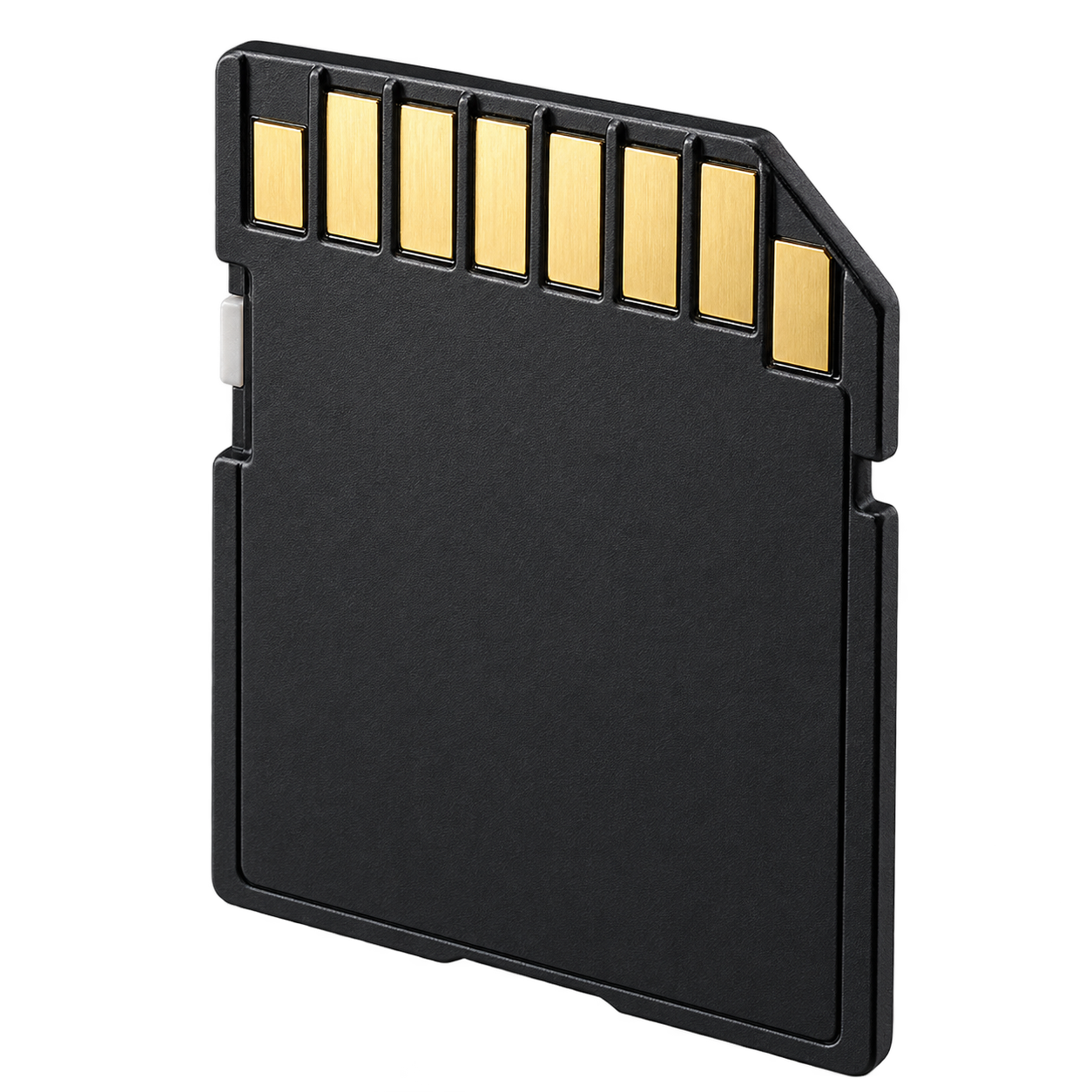
SD / SDHC / SDXC
Simple choice: 32GB SDHC
A full-size 32GB SDHC Class 10 card is a simple choice. SDXC is also supported. Back up photos before formatting the card in the camera.
As an Amazon Associate I earn from qualifying purchases. We may also earn commissions from qualifying purchases through our eBay links. Retro Digitals is our store. About these links
05 / Photo-transfer reader
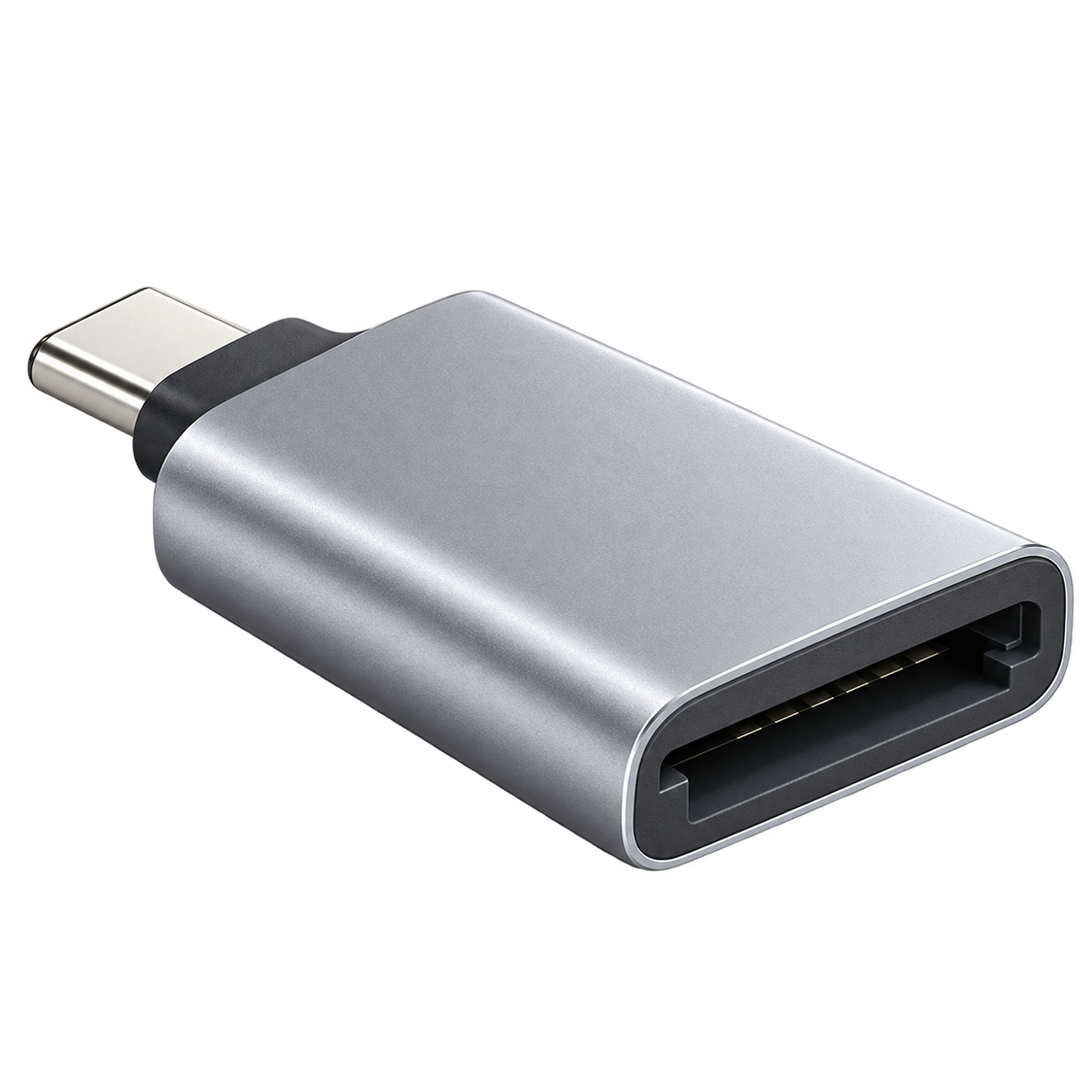
SD card reader
Choose USB-C, Lightning, or USB-A
Choose a reader with a full-size SD slot that supports SD / SDHC / SDXC. Match USB-C, Lightning, or USB-A to your phone or computer.
As an Amazon Associate I earn from qualifying purchases. We may also earn commissions from qualifying purchases through our eBay links. Retro Digitals is our store. About these links
Accessory illustrations show categories, not the exact appearance of every part. Retailer links are searches; check the seller’s compatibility list before buying.
QUICK ANSWERS
What battery does the Canon PowerShot A2400 IS use?
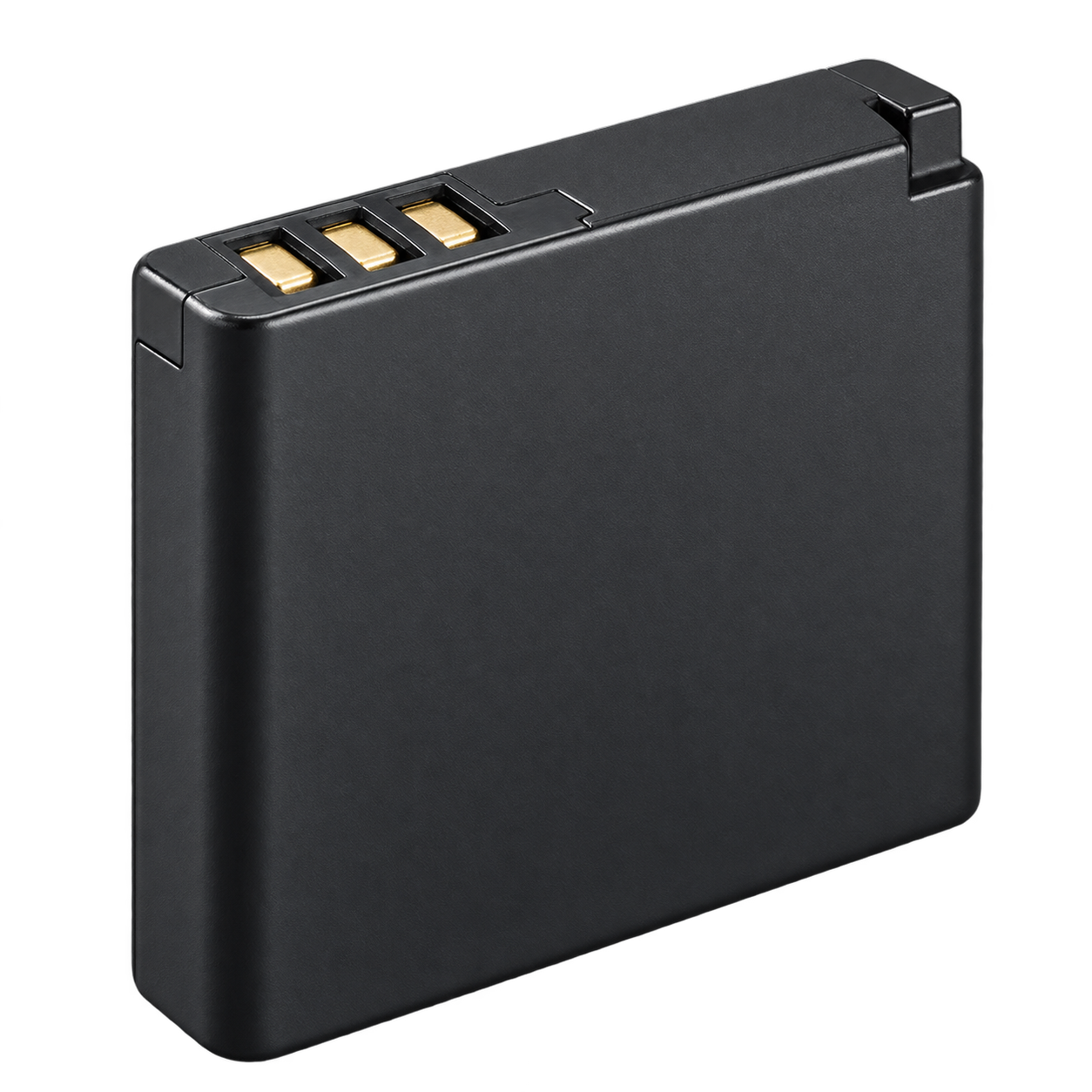
NB-11L. Match the NB-11L battery code to this exact camera model.
How do I charge the Canon PowerShot A2400 IS?
Remove the NB-11L battery and charge it in the CB-2LD / CB-2LDE external charger. Canon documents USB for photo transfer; use the separate battery charger for charging.
Which memory card works with the Canon PowerShot A2400 IS?
SD / SDHC / SDXC. A full-size 32GB SDHC Class 10 card is a simple choice. SDXC is also supported. Back up photos before formatting the card in the camera.
How do I transfer photos from the Canon PowerShot A2400 IS?
Use a SD card reader that supports the card listed above. Choose a reader with a full-size SD slot that supports SD / SDHC / SDXC. Match USB-C, Lightning, or USB-A to your phone or computer. Turn the camera off before removing the card and copy your photos before deleting or formatting it.
PowerShot A2400 IS exact-model row; SD 2GB maximum, SDHC 4–32GB, SDXC and microSD support columns
THROUGH ITS LITTLE LENS
Photos taken with the PowerShot A2400 IS.
1 sample
Real photographs with source camera metadata. Settings, lighting and the photographer’s editing affect the result; these are examples, not a controlled camera test.