As an Amazon Associate I earn from qualifying purchases. We may also earn commissions from qualifying purchases through our eBay links. Retro Digitals is our store. About these links
02 / Charging adapter
AC-UB10 / AC-UB10B
USB AC adapter
Charges the battery inside the camera through the matching USB cable. Use the camera’s charging connection.
As an Amazon Associate I earn from qualifying purchases. We may also earn commissions from qualifying purchases through our eBay links. Retro Digitals is our store. About these links
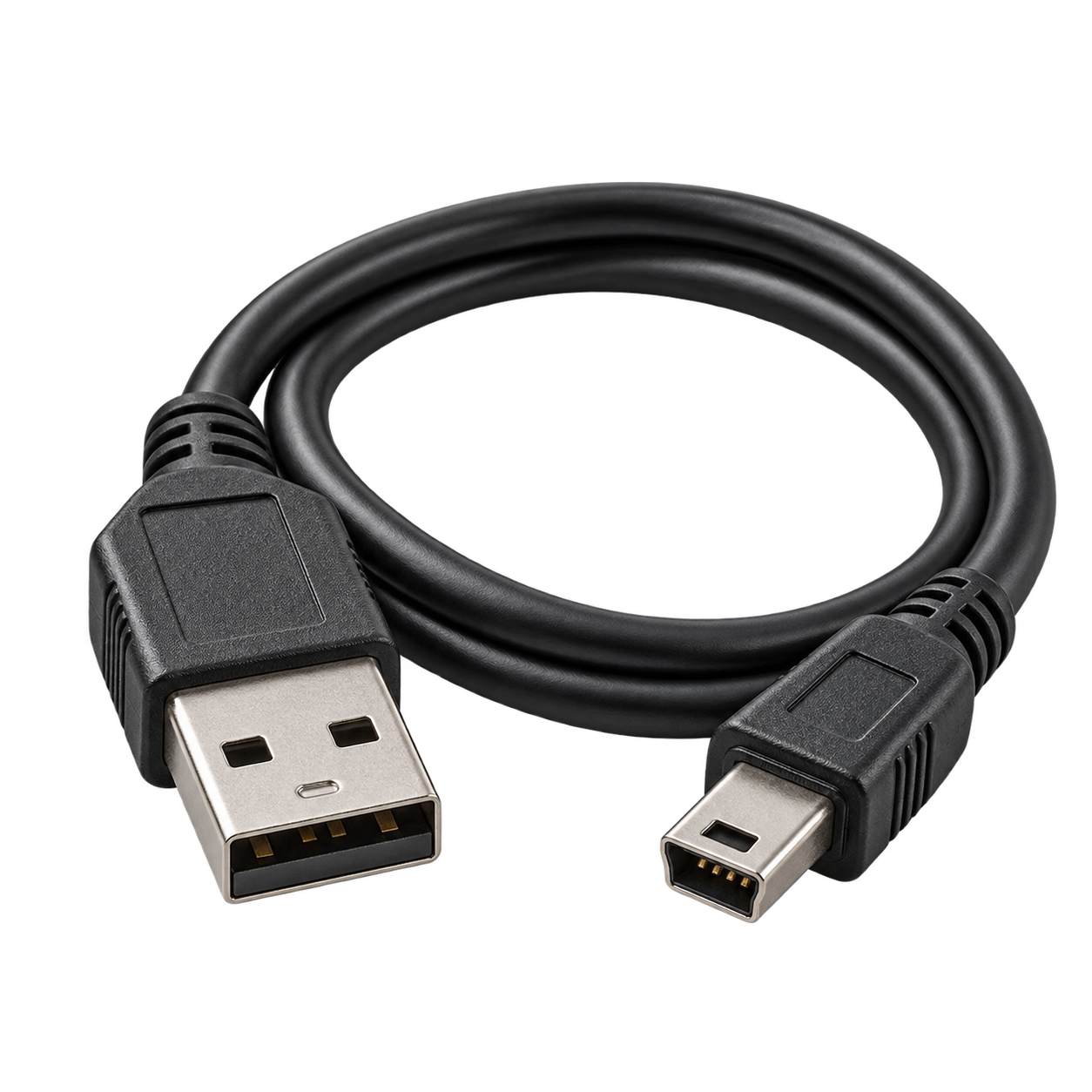
03 / USB cable
Sony multi-use USB cable
Camera-specific Sony connector
Supports photo transfer and USB charging with the correct charging adapter.
Choose a cable explicitly listed for DSC-HX7V. The camera uses Sony’s Type3b multi connector. It transfers photos and supports in-camera charging.
As an Amazon Associate I earn from qualifying purchases. We may also earn commissions from qualifying purchases through our eBay links. Retro Digitals is our store. About these links
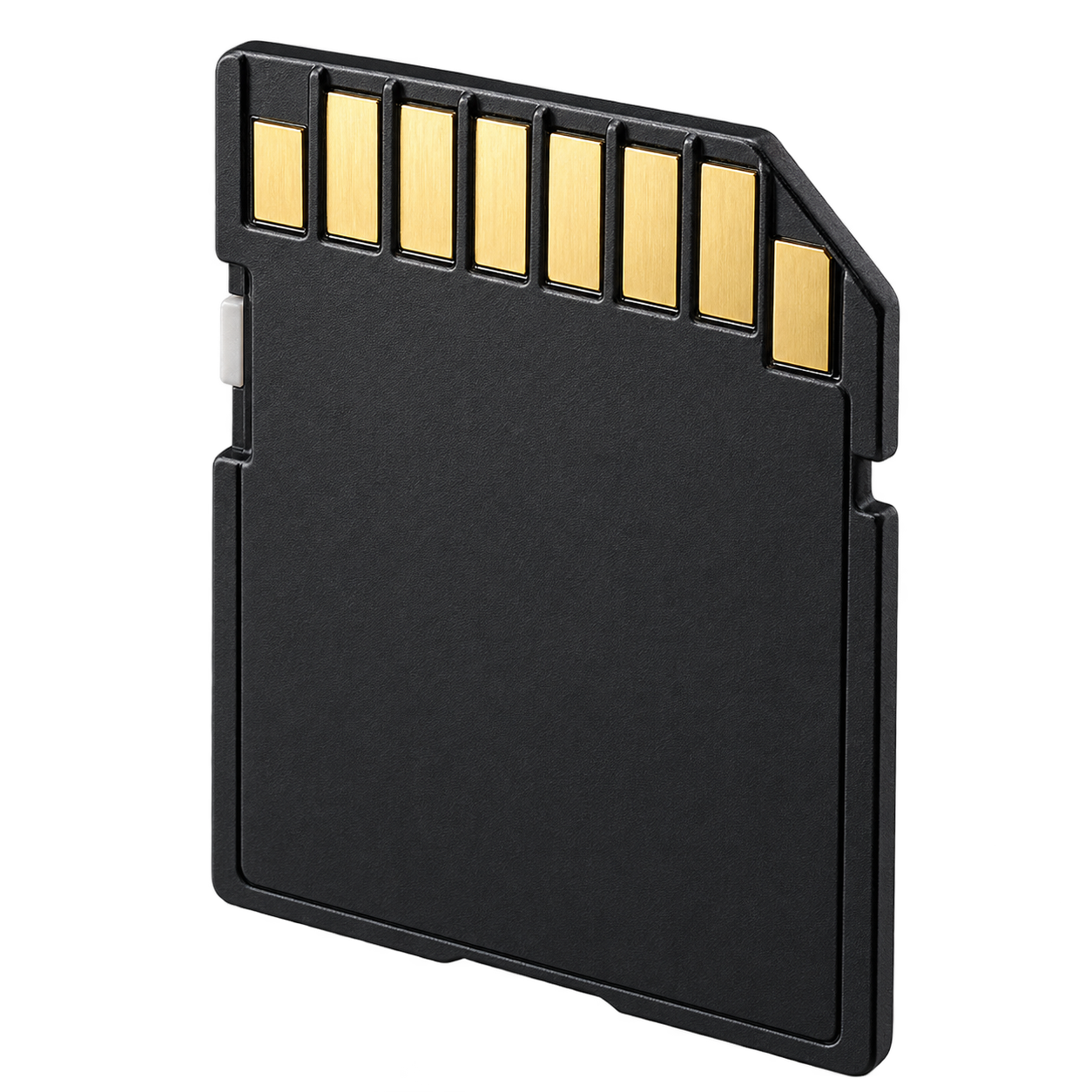
04 / Memory card
SD / SDHC / SDXC
8–32 GB SDHC · Class 4 or faster
Choose a full-size SD-family card. The recommendation uses Sony’s documented capacity range. Memory Stick Duo / PRO Duo / PRO-HG Duo are alternative supported formats. Format the card in the camera after backing up any files.
As an Amazon Associate I earn from qualifying purchases. We may also earn commissions from qualifying purchases through our eBay links. Retro Digitals is our store. About these links
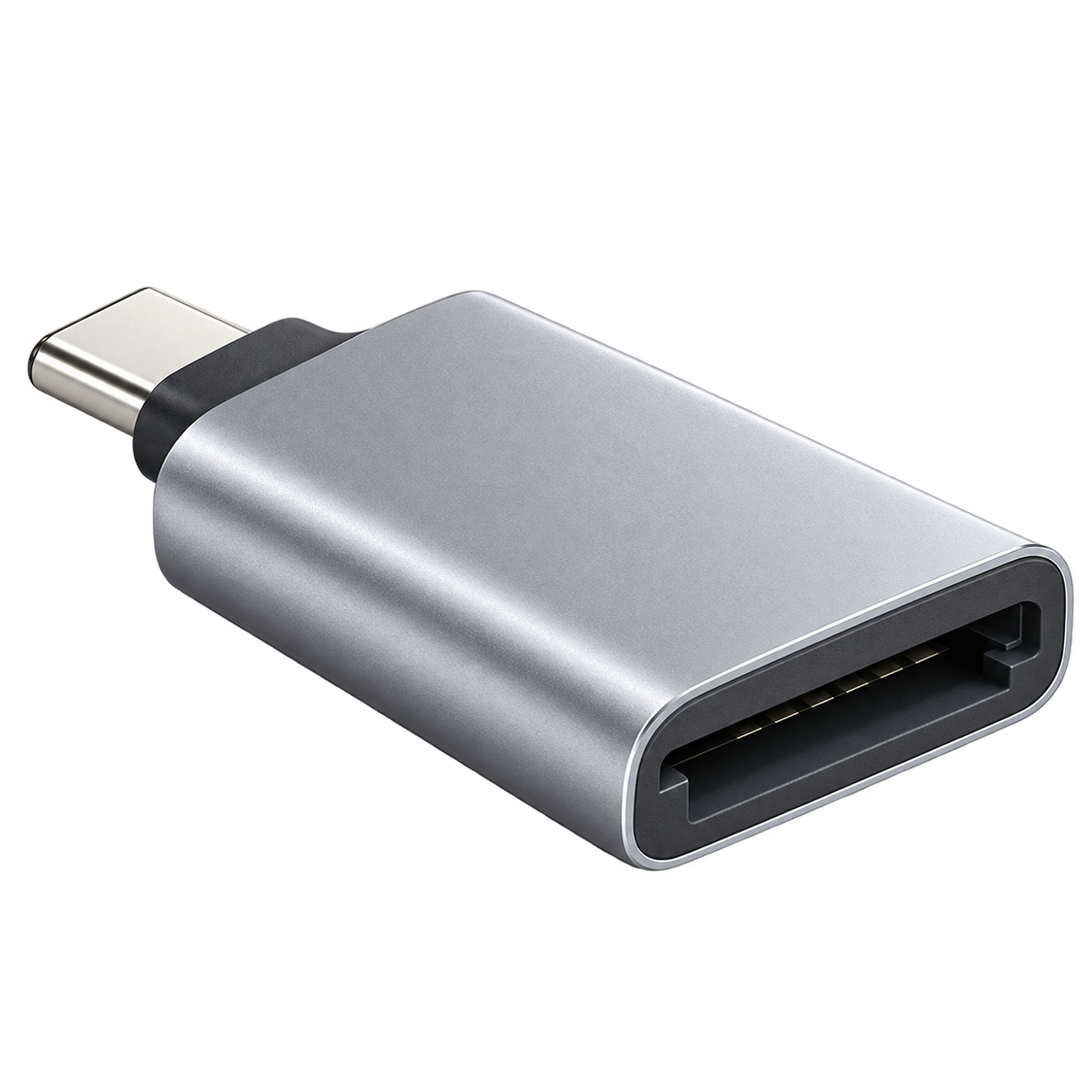
05 / Photo-transfer reader
SD / SDHC / SDXC reader
USB-A or USB-C connection
Choose a reader that supports the SD-family card you buy. SDXC cards require SDXC/exFAT support; match the USB plug to your computer or phone.
As an Amazon Associate I earn from qualifying purchases. We may also earn commissions from qualifying purchases through our eBay links. Retro Digitals is our store. About these links
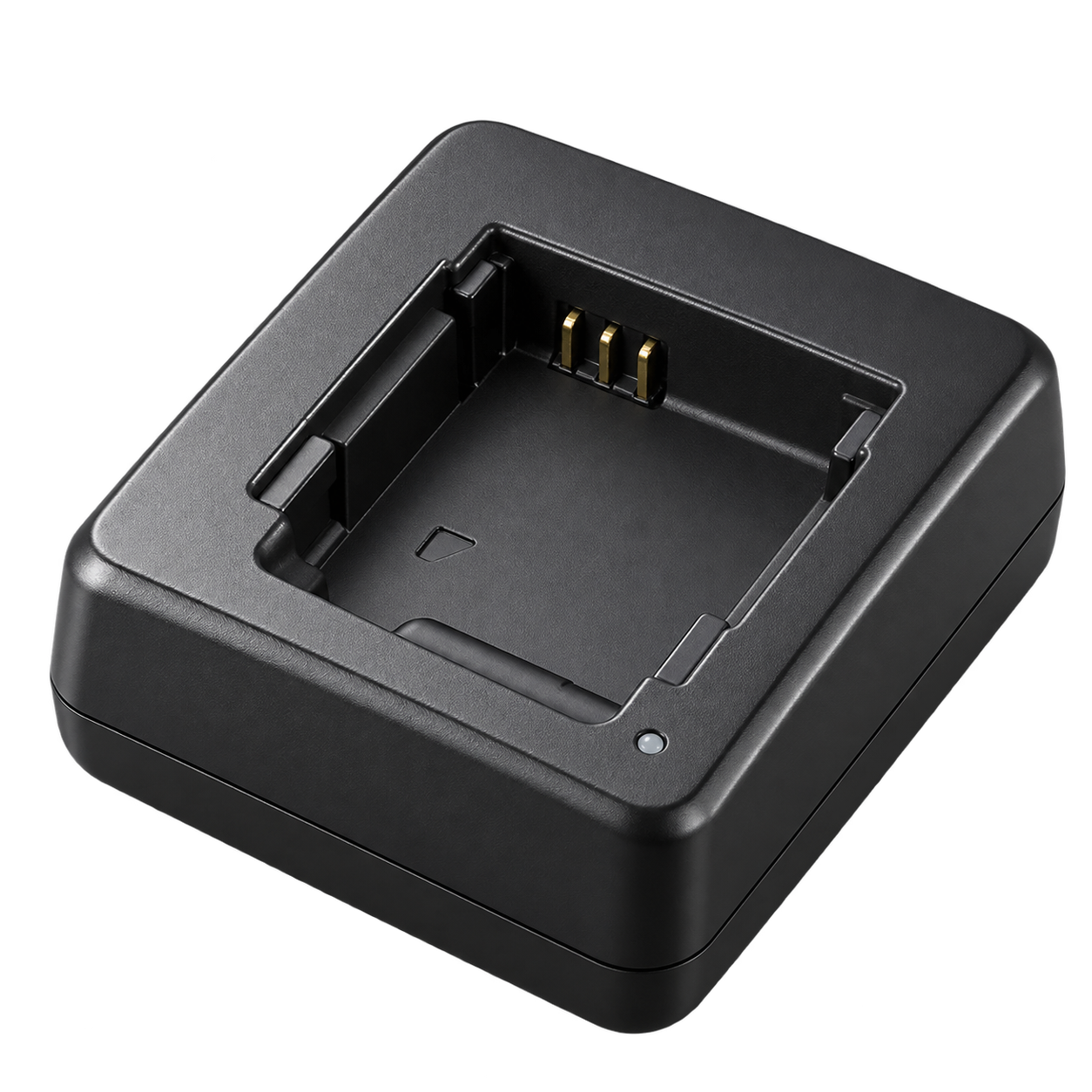
Accessory illustrations show categories, not the exact appearance of every part. Retailer links are searches; check the seller’s compatibility list before buying.
QUICK ANSWERS
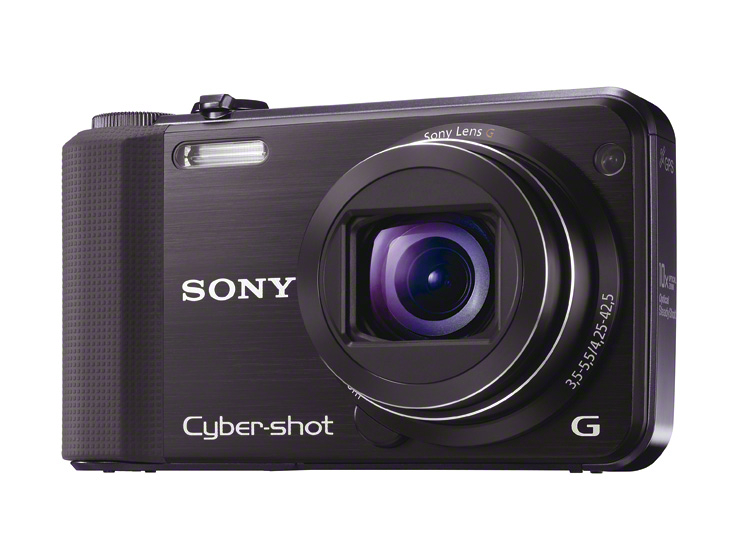
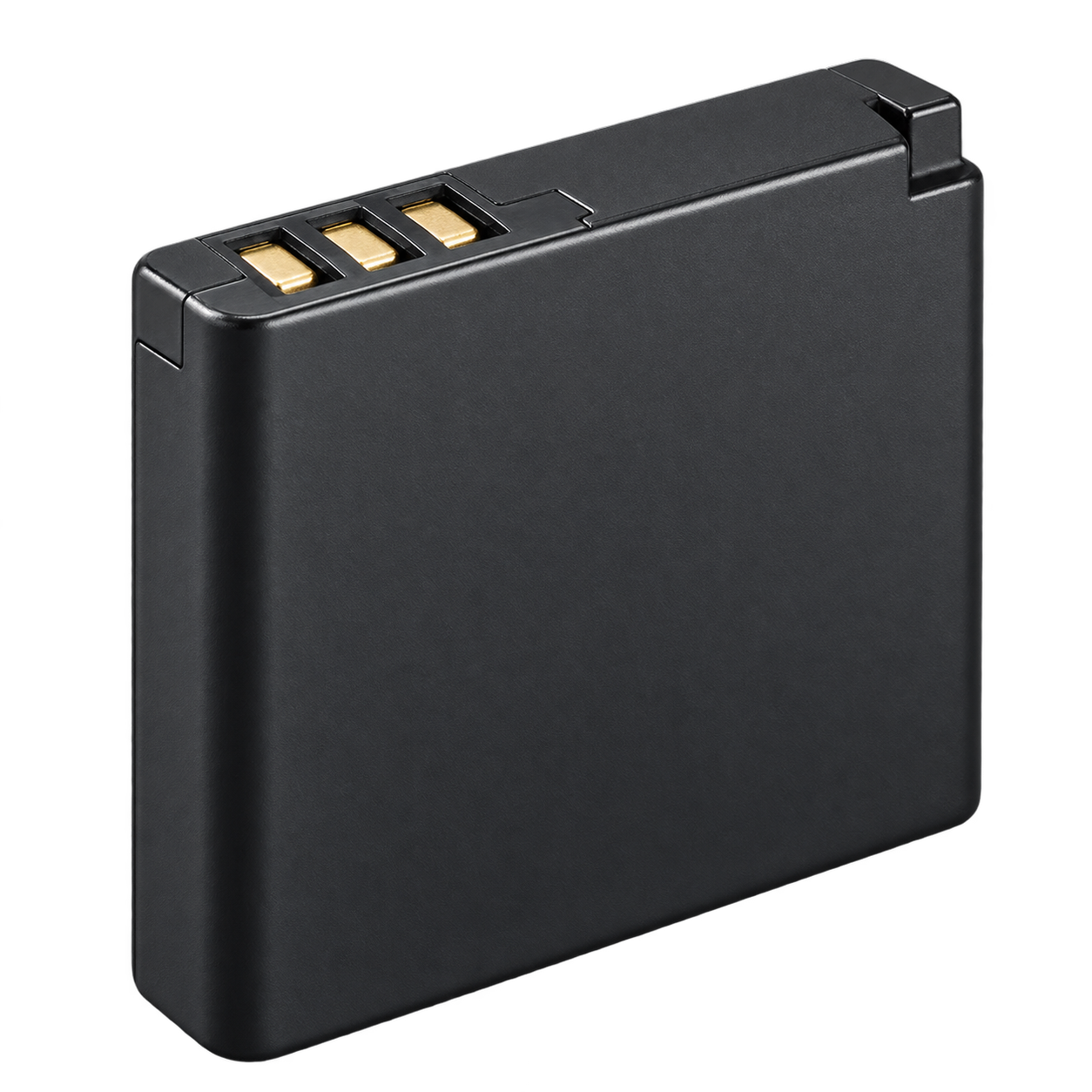
What battery does the Sony Cyber-shot DSC-HX7V use?
NP-BG1. Match the exact battery code when buying a replacement. Sony also lists NP-FG1 as an optional battery.
How do I charge the Sony Cyber-shot DSC-HX7V?
Charge the installed NP-BG1 through the camera-specific Sony USB cable and the listed Sony AC adapter. The same data cable transfers photos.
Which memory card works with the Sony Cyber-shot DSC-HX7V?
SD / SDHC / SDXC. Choose a full-size SD-family card. The recommendation uses Sony’s documented capacity range. Memory Stick Duo / PRO Duo / PRO-HG Duo are alternative supported formats. Format the card in the camera after backing up any files.
How do I transfer photos from the Sony Cyber-shot DSC-HX7V?
Use a SD / SDHC / SDXC reader that supports the card listed above. Choose a reader that supports the SD-family card you buy. SDXC cards require SDXC/exFAT support; match the USB plug to your computer or phone. Turn the camera off before removing the card and copy your photos before deleting or formatting it.
Card capacity columns document the recommended GB choices; this chart is not treated as a maximum-capacity guarantee
THROUGH ITS LITTLE LENS
Photos taken with the Cyber-shot DSC-HX7V.
1 sample
Real photographs with source camera metadata. Settings, lighting and the photographer’s editing affect the result; these are examples, not a controlled camera test.