As an Amazon Associate I earn from qualifying purchases. We may also earn commissions from qualifying purchases through our eBay links. Retro Digitals is our store. About these links
Type example
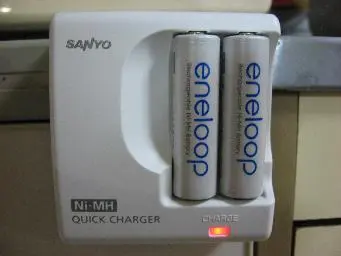
02 / Battery charger
CB-5AH
External charger for NB-3AH
Only charge rechargeable NiMH cells. Never charge alkaline batteries.
As an Amazon Associate I earn from qualifying purchases. We may also earn commissions from qualifying purchases through our eBay links. Retro Digitals is our store. About these links
As an Amazon Associate I earn from qualifying purchases. We may also earn commissions from qualifying purchases through our eBay links. Retro Digitals is our store. About these links
Type example
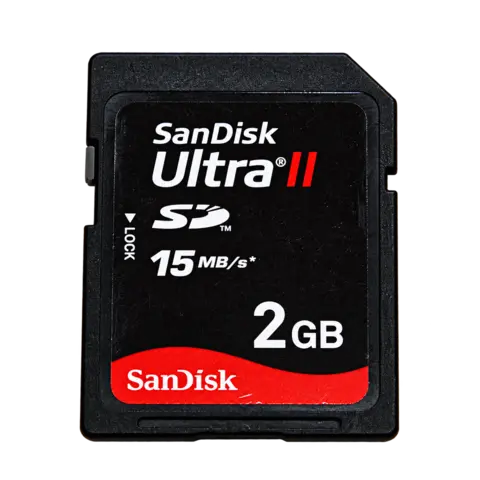
04 / Memory card
SD / SDHC / SDXC
Simple choice: 32GB SDHC
Canon supports these card formats regardless of capacity, but does not guarantee every card. Back up photos before formatting.
As an Amazon Associate I earn from qualifying purchases. We may also earn commissions from qualifying purchases through our eBay links. Retro Digitals is our store. About these links
Type example
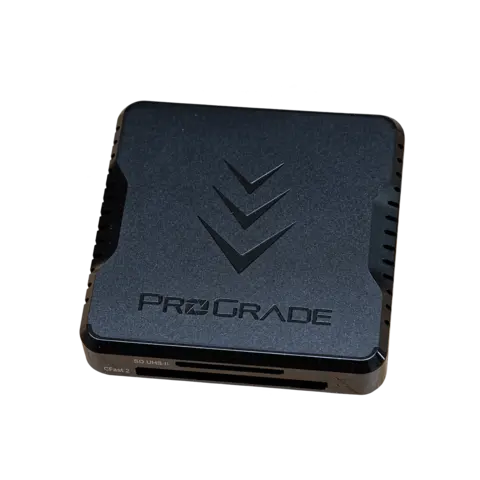
05 / Photo-transfer reader
SD card reader
Match your phone or computer connector
Use a reader supporting the card format and USB-C, Lightning or USB-A as required.
As an Amazon Associate I earn from qualifying purchases. We may also earn commissions from qualifying purchases through our eBay links. Retro Digitals is our store. About these links
Photos show the exact part where available, otherwise a labeled brand or type example. Match the part code, card capacity and connector before buying.
QUICK ANSWERS
What battery does the Canon PowerShot A1400 use?
2 × AA. Canon specifies two AA alkaline batteries or NB-3AH NiMH batteries.
How do I charge the Canon PowerShot A1400?
Replace alkaline cells or remove NiMH cells for external charging. USB is for image transfer.
Which memory card works with the Canon PowerShot A1400?
SD / SDHC / SDXC. Canon supports these card formats regardless of capacity, but does not guarantee every card. Back up photos before formatting.
How do I transfer photos from the Canon PowerShot A1400?
Use a SD card reader that supports the card listed above. Use a reader supporting the card format and USB-C, Lightning or USB-A as required. Turn the camera off before removing the card and copy your photos before deleting or formatting it.
Settings, lighting and the photographer’s editing affect the result. Display copies are resized for the gallery; the original photographs are linked above. Findicam has not edited the samples’ colors or content.
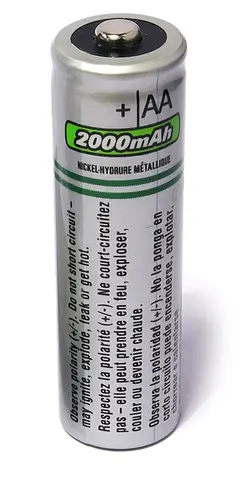 Type example